
Sometime we may want to access to window based remote desktop
while we are on linux.
to do that.. either we use VNC.. or RDP ( Remote Desktop Protocol)..
to do that..
you may need to run Ultra VNC on windows XP machine..
and from linux..
just vncviewer host:port
vncviewer 172.0.0.1:5900
others..
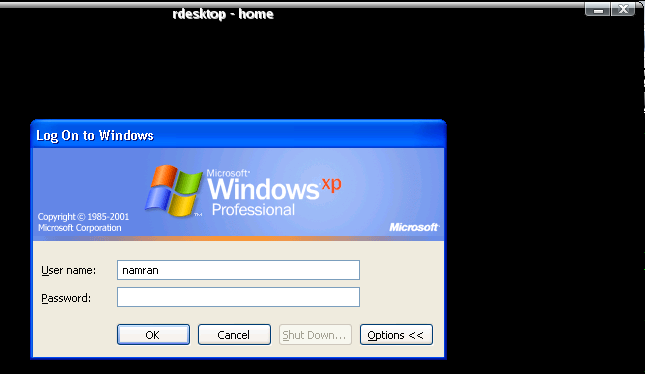
use RDP instead..
enable remote Desktop access in Window machine..
and in linux..
su –
yum install rdesktop -y
exit..
rdesktop host -5 -f -r sound:local -z
you will full screen of window dislay with -f flag..
to back to normal linux desktop.. press.
Ctrl+Alt+Enter.
hehe..
so far..
snmpd still could not talk properly with the mrtg ..
hahaha..
ding dong..
going to attend to it later.. just formatted my CentOS4.5 ‘s laptop..
so far..
snmpd still could not talk properly with the mrtg ..
hahaha..
ding dong..
going to attend to it later.. just formatted my CentOS4.5 ‘s laptop..