
Assuming you already have the infra for IPv6 ..
but only left windows XP not yet able to use IPv6.
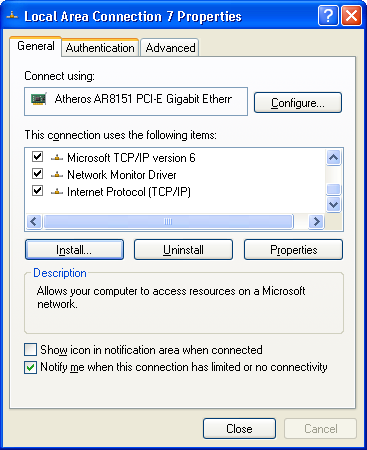
Go to Network Properties.
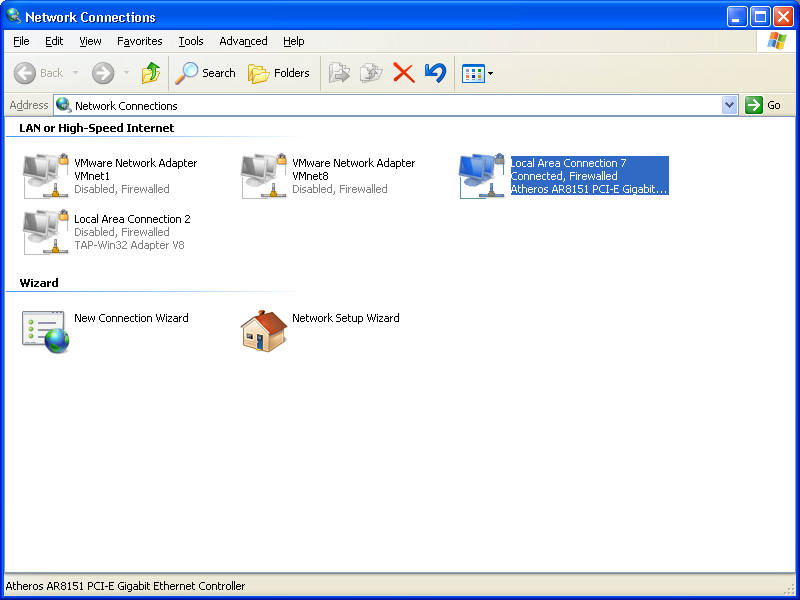
Right click on the device/interface-> properties
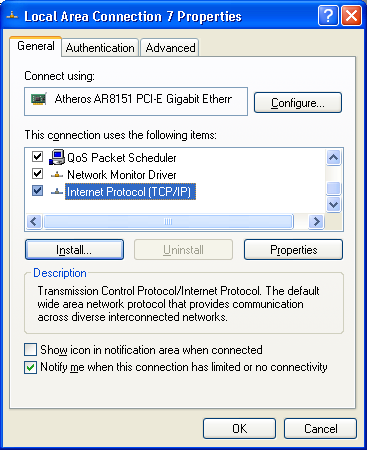
Click Install.
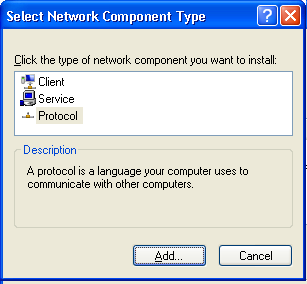
Click on protocol..
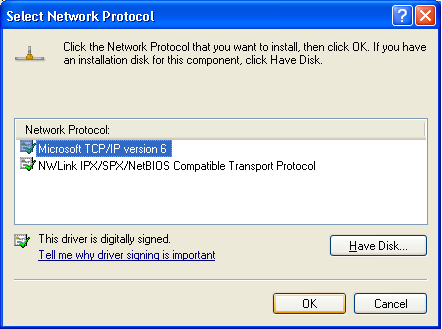
Choose IPV6.
ipconfig shall reveal your ipv6 ips.
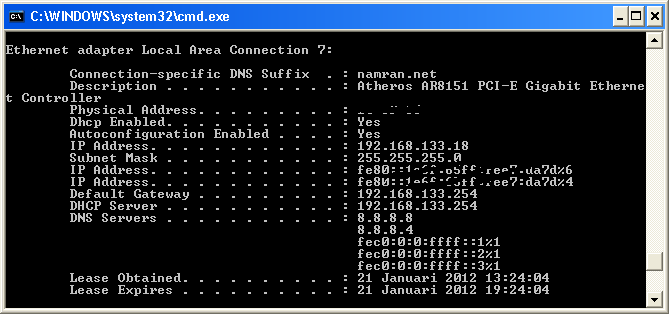 .
.
test to ping ipv6 destination.
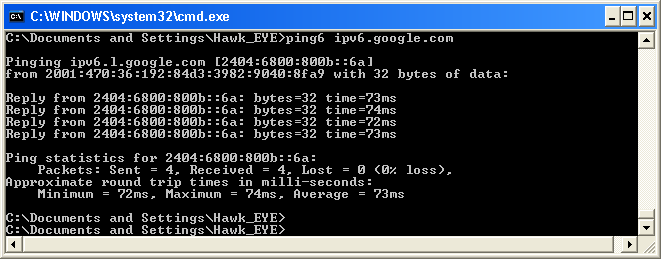
.. or use http://test-ipv6.com/ to test.
hmm.. the shortcut to all above click-and click.
is. open up command prompt.
netsh interface ipv6 install |
haha,
but windows XP doesn’t support IPv6 DNS usages.. *sigh*.
windows 7 onward only can define IPv6 DNS..
but you can still use the recursive DNS server on IPv4 that support IPv6 query. 🙂