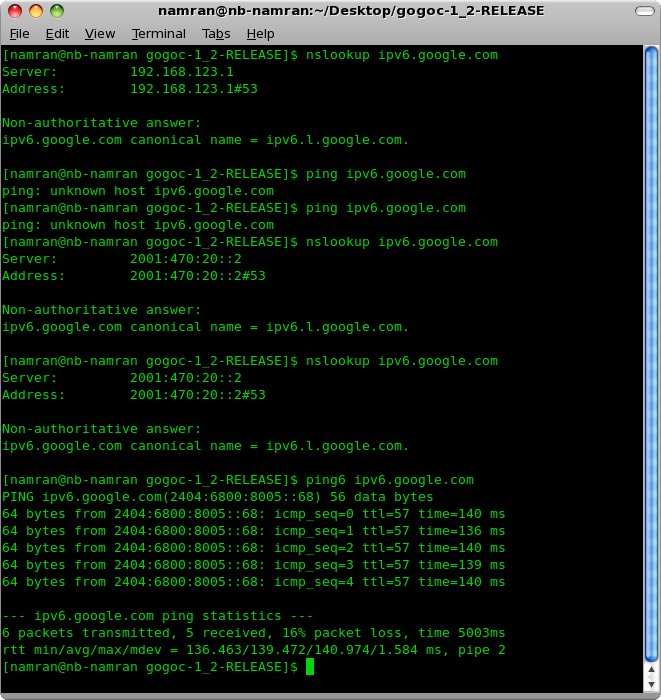
Namran Hussin First attempt with ipv6 at home network January 27, 2011 Posted Under: en, Linux, Network After did fiddling a bit and search for ipv6 setup using google. I ended up with the following screen. not provided by default in TM unifi though.. time to explore more.. go go ipv6.. p/s : .. been through a tunnel somewhere .. Tags ipv6, Network Share Facebook Twitter Linkedin Pinterest Google+ Previous Firefox 3.6.13 and JRE plugins in CentOS 5.5 January 27, 2011 Next Setting up IPv6 network via TM Unifi on CentOS 5 January 27, 2011 Related Post Dataran Shah Alam November 23, 2011 SLD : StyledLayerDescription November 17, 2008 KLCC – Kuala Lumpur City Centre at night August 14, 2011