
Having a bluetooth enabled handphone which is used to took a lot of picture but forgot to bring the usb cable everyday.
Again as the laptop also got bluetooth.. let’s try to get it working.
to get started..
you may need this package available in the your system first.
yum install obexftp gnome-bluetooth
now need to test if the obexftp is working or not first.
sdptool browse
then.. from the address… try listing the folder in the hanphone first.
obexftp -b 00:1B:59:5E:E6:92 -c / -l
then change the directory respectively
[root@nb-namran bth]# obexftp -b 00:1B:59:5E:E6:92 -c /"Memory Stick"/"DCIM"/"100MSDCF" -l
to get a file..
[root@nb-namran bth]# obexftp -b 00:1B:59:5E:E6:92 -c /"Memory Stick"/"DCIM"/"100MSDCF" -g "DSC13000.jpg"
to put a file
[root@nb-namran bth]# obexftp -b 00:1B:59:5E:E6:92 -c /"Memory Stick"/"MISC"/"Application" -p "MidpSSH.jar"
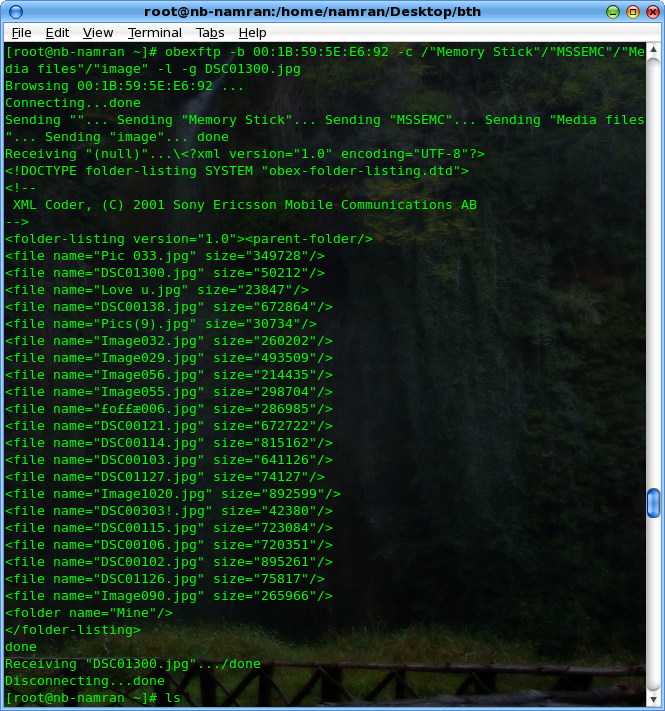
the rest of the command please consult
man obexftp
now for the easier use..
this time managed to rebuild the rpm from the rpm source… wonder why is not the DAG repo yet..
rpm -Uvh http://my.namran.net/repository/centos5/gnome-vfs2-obexftp-0.4-6.namran.net.i386.rpm
restart the bluetooth service.
now from the file browser i.e nautilus.
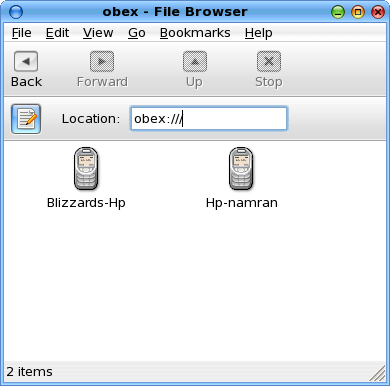
can just type obex:// at the location box.
and you can see the list of bluetooth device that had been successfully connect..
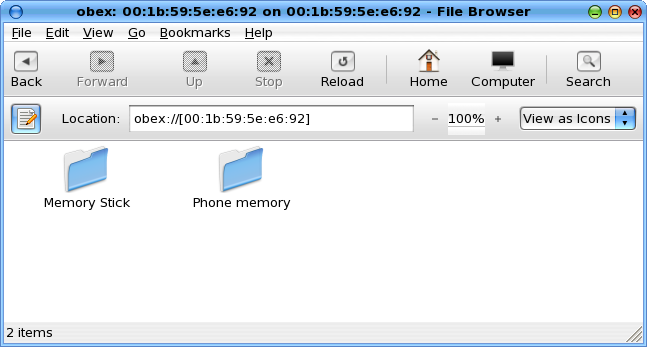
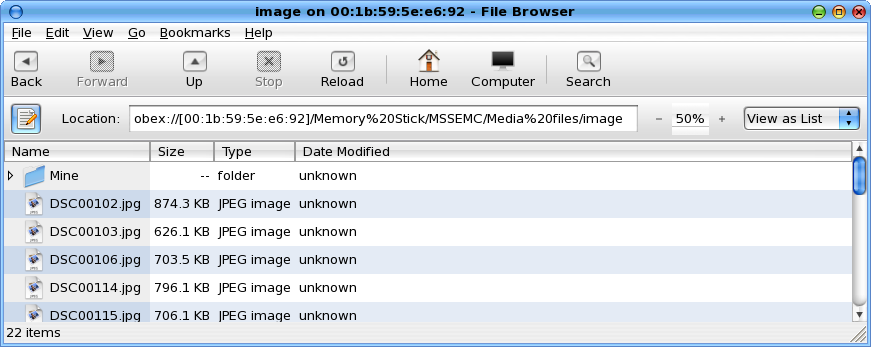
then from that just double-click and copy/paste whatever file you as if it is in local folder ..
😎
bug & source rpms taken from : https://bugs.launchpad.net/gnome-vfs-obexftp
Thank you very much…….
Kindly advice, I want to use OpenWRT for my TP-Link router model TL-WR1043ND version 1.10 starting serial number with 12.
Requested for UNIFI Malaysia 20 MB
Kindly advice which files I do need to download, highly appropriated in advance .
Regards
Robert
(Shah Alam)
Good Morning ,
I have a TL-WR1043ND router Ver 1.10 and not able to find Hardware version, as what I understood from other posts that this should be then Hardware version 1.
Have installed OpenWRT in total 3 files :
German stock firmware (v3.9.17)
– attitude_adjustment 12.09-rc2 and
attitude_adjustment 12.09-rc2 and able to able access my router TL-WRT1043ND
I guess that it is my age (59) but I a losing it on the configuration and explanation, first the first of all on many images that I have seen on the internet in the part Internet -> Swith VLAN witch is starting with PORT 1 -2-3-4-5-CPU however on my installed OpenWRT it starts with PORT 0-1-2-3-4-CPU so I guess something is already wrong on my side, having said this most images are related to HARDWARE VERSION 1.8
My main goal is to get connect to UNIFI Malaysia (20MB connection) I know that Unifi provides an IPTV package but to honest I don’t need this IPTV connection at all.
The bottom line, I like get connected to UNIFI with OPENWRT and I am really begging f someone can assist me in to get connect to Unifi. I know it is labor day (May 1) but will be great full if somebody can assist me.