
It is supposed to be as easy as
yum -y upgrade
by right.. if everything goes fine.. you shall be able to boot the new kernel after reboot when all the process complete..
just want to share my experience.. I got 8box to upgrade.

all from 2.6.18-53.1.4.el5 .. (CentOS 5.1 )
going to .. 2.6.18-92.el5 (CentOS 5.2 )
the first one.. I was kinda too lazy.
wget the CentOS-5.2-DVD.iso
put & mount it on shared storage..
mkdir -p /opt/nismos/data/setup/c52

mount -o loop /opt/nismos/data/setup/iso/CentOS-5.2-DVD.iso /opt/nismos/data/setup/c52
edit the yum.repo config to reflect
[nismosupgrade]

baseurl=file:///opt/nismos/data/setup/c52/updates/i386

gpgcheck=0

enabled=0

gpgkey=file:///etc/pki/rpm-gpg/RPM-GPG-KEY-beta
and do
yum clean all

yum --disablerepo \* --enablerepo nismosupgrade upgrade -y
the moment pressing enter..
[ad#postad]
While it start Transaction check.. bla..bla..
few second after..gone.. the keyboard got numlock & caplock blinking non-stop..
no response to ping .. bla..bla.. i think got kernel panic.
pull out power.. and restart the box..
now to get it real upgrade.. (i guess it cannot link to NFS or something)
cp /opt/nismos/data/iso/CentOS-5.2-DVD.iso /root
stop whatever cluster service remove the shared storage mounting..
umount /opt/nismos/data

mkdir -p /media/c52

mount -o loop/root/CentOS-5.2-DVD.iso /media/c52
edit the yum.repo to have this.
baseurl=file:///media/c52
then re-run
yum --disablerepo \* --enablerepo nismosupgrade upgrade -y
.. got 500+ packages to update & install .. bla..bla..
explain to the client representative.. it may took a bit some time to complete..
wait..and come back.. it stated Completed !
verify the /etc/grub.conf to boot the 5.2 kernel.
reboot and wait..
few minute later.. it is up and running..
verify the clustat .. check the NFS mount.. nfsstat.. seem fine..
yay!.. time to proceed with next box..
the app2 …
copy in the iso into local.. mount.. edit yum.
stopping cluster related service .. un-mount shared storage..
yum clean all
and repeat the yum upgrade..
somehow this one stuck at installing kernel..
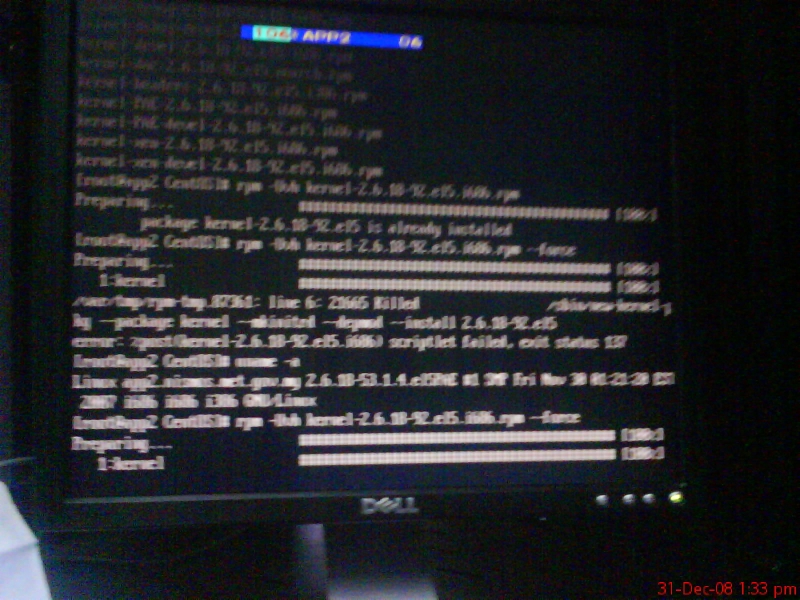
not moving..
top..
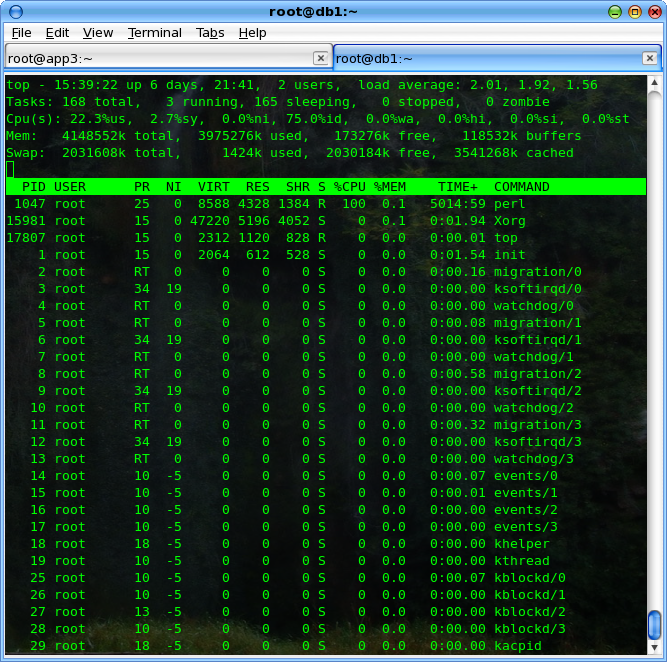
the perl got 100% cpu load.. (this machine got 8Gb memory )..
wait for another half an hour.. still at the same stage..
ps xa ..
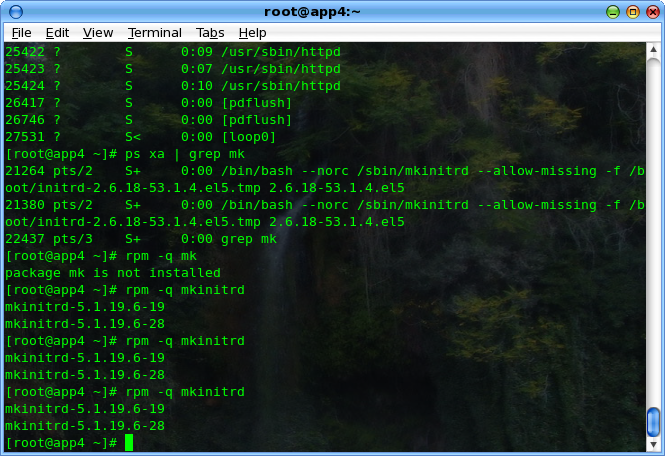
saw the it was looping at mkinitrd ..
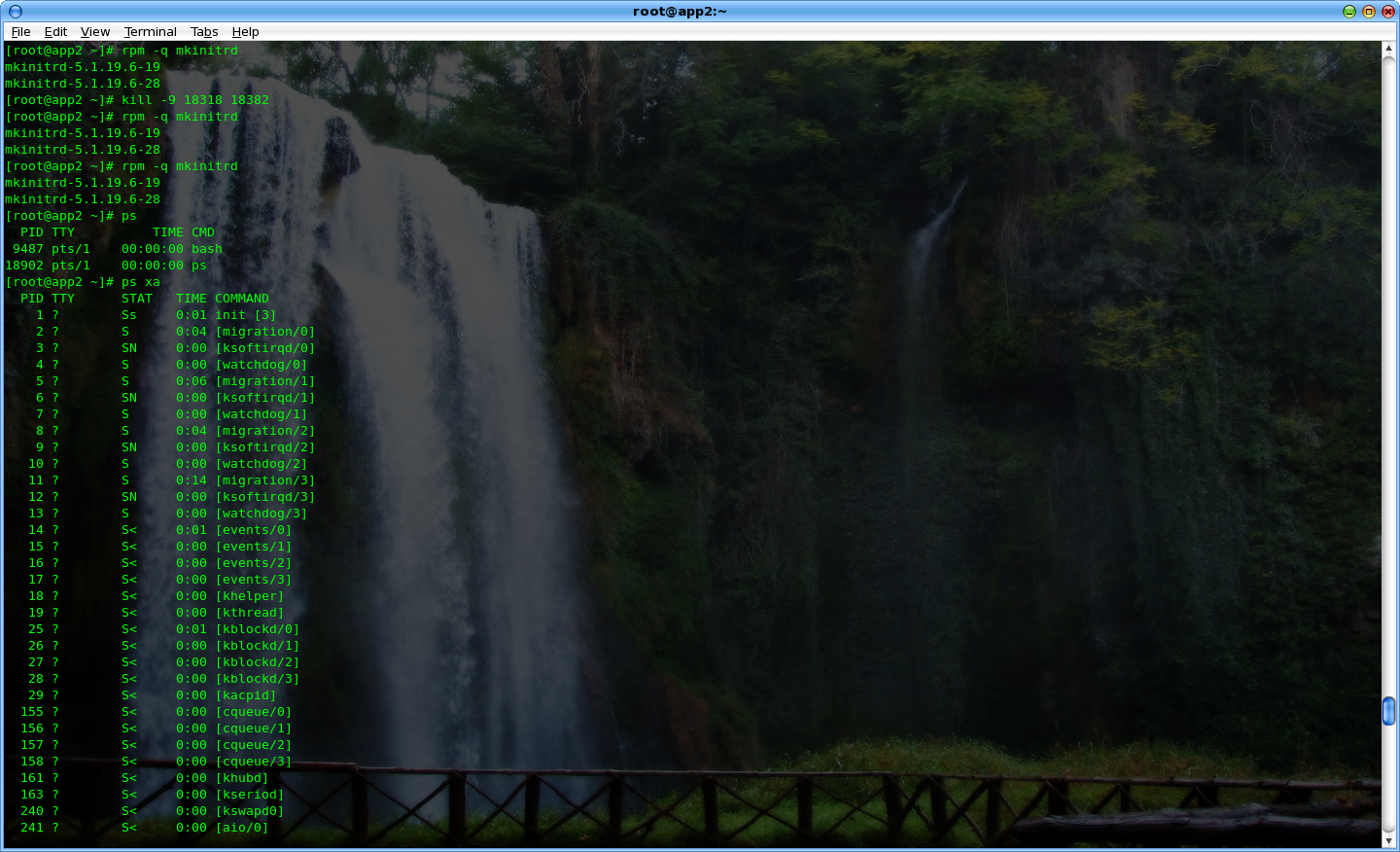
.. hmm.. don’t know what to do .. press Ctrl+c (** my mistake, i think should’nt do this..)
stopping the upgrade..
and re-run..
yum --disablerepo \* --enablerepo nismosupgrade upgrade -y
got error.. unable to proceed.. yum got python script failed..
hahaha..
[root@app2 CentOS]# yum upgrade --disablerepo \* --enablerepo nismosupgrade

Loading "installonlyn" plugin

Loading "fastestmirror" plugin

Setting up Upgrade Process

Setting up repositories

Determining fastest mirrors

Reading repository metadata in from local files

Traceback (most recent call last):

File "/usr/bin/yum", line 29, in ?

yummain.main(sys.argv[1:])

File "/usr/share/yum-cli/yummain.py", line 94, in main

result, resultmsgs = base.doCommands()

File "/usr/share/yum-cli/cli.py", line 381, in doCommands

return self.yum_cli_commands[self.basecmd].doCommand(self, self.basecmd, self.extcmds)

File "/usr/share/yum-cli/yumcommands.py", line 353, in doCommand

return base.updatePkgs(extcmds)

File "/usr/share/yum-cli/cli.py", line 685, in updatePkgs

obsoleting_pkg = self.getPackageObject(obsoleting)

File "/usr/lib/python2.4/site-packages/yum/__init__.py", line 1473, in getPackageObject

pkgs = self.pkgSack.searchPkgTuple(pkgtup)

File "/usr/lib/python2.4/site-packages/yum/packageSack.py", line 66, in searchPkgTuple

return self.searchNevra(name=n, arch=a, epoch=e, ver=v, rel=r)

File "/usr/lib/python2.4/site-packages/yum/packageSack.py", line 232, in searchNevra

return self._computeAggregateListResult("searchNevra", name, epoch, ver, rel, arch)

File "/usr/lib/python2.4/site-packages/yum/packageSack.py", line 369, in _computeAggregateListResult

sackResult = apply(method, args)

File "/usr/lib/python2.4/site-packages/yum/sqlitesack.py", line 574, in searchNevra

returnList.append(self.pc(rep,self.db2class(x)))

File "/usr/lib/python2.4/site-packages/yum/sqlitesack.py", line 431, in db2class

y.checksum = {'pkgid': 'YES','type': db.checksum_type,

File "/usr/lib/python2.4/site-packages/sqlite/main.py", line 97, in __getattr__

raise AttributeError, key

AttributeError: CHECKSUM_VALUE
google the error msg.. it stated need to manually update the yum..
cd /media/c52/CentOS

rpm -Uvh yum-3.2.8-9.el5.centos.1.noarch.rpm yum-updatesd-0.9-2.el5.noarch.rpm
.. then able to re-run the yum upgrade..
but still stuck at the kernel..
kill the mkinitrd few time.. it proceed to install the rest of the installation package..
google for the mkinitrd problem.. saw somewhere ..
it stated the 5.2 mkinitrd got bug with REGRESSION thingy .. unable to compile the new initrd ..
source : http://bugs.centos.org/view.php?id=2914
https://bugzilla.redhat.com/show_bug.cgi?id=447841
download the patch.. patch the /sbin/mkinitrd
with
cd /sbin/

patch -P0 < /root/mkinitrd.CentOS-5.2.patch
and remove the unsuccessful new kernel
rpm -e kernel-2.6.18-92.el5PAE
and re-install it back..
rpm -Uvh /media/c52/CentOS/kernel-PAE-2.6.18-92.el5.i686.rpm
this time have to wait for the mkinitrd to finish.. but it did’nt show the 101% CPU load anymore..
and .. Completed.
verify the /etc/grub.conf
reboot the box..and verify.. seem fine.. proceed to the 3rd box.
hmm… now i guessing it was better to upgrade the kernel first and exclude the mkinitrd as it is making such problem.
yum --disablerepo \* --enablerepo nismosupgrade upgrade kernel -y

yum --disablerepo \* --enablerepo nismosupgrade upgrade kernel-PAE -y
success
yum --disablerepo \* --enablerepo nismosupgrade upgrade --exclude mkinitrd
reboot.. done. not much problem.. hmm…
then only upgrade the mkinitrd after the reboot.
the 4th …5th.. 6th… 7th
time’s up.. it is now at 1650H .. the client representative might have to leave the office in next 10minute..
called him.. explain that only left 1 server did’nt upgrade.. can check service status if it is fine.. bla..bla. he is signing out..
Hmm.. my colleague .. working in other project also leaving the server room, he said going back to office as the ATSB staff also want to go off..

now I am all alone..
with the last box to upgrade.. (db2)..
migrating all the db cluster process to the other node. (stopping all client cluster process first.. umount all client.. then only move the cluster)..
now got problem.. failed to umount NFS service properly ..it killed the db host ..! rebooting..
wait.. disable-enable the db services.. successfully restarted it..
Upgrading the last db.. while upgrade.. everything fine.. went smoothly until it stuck at kmod-gfs-PAE .. hmm.. after a while..
finished.. reboot.. while it going down.. it also fenced the other fellow once again…
this time with the NFS client still using it.. i thought it will suck big time..
then … the last host unable to boot.. got kernel panic. VFS thingy.. owhhh shit..
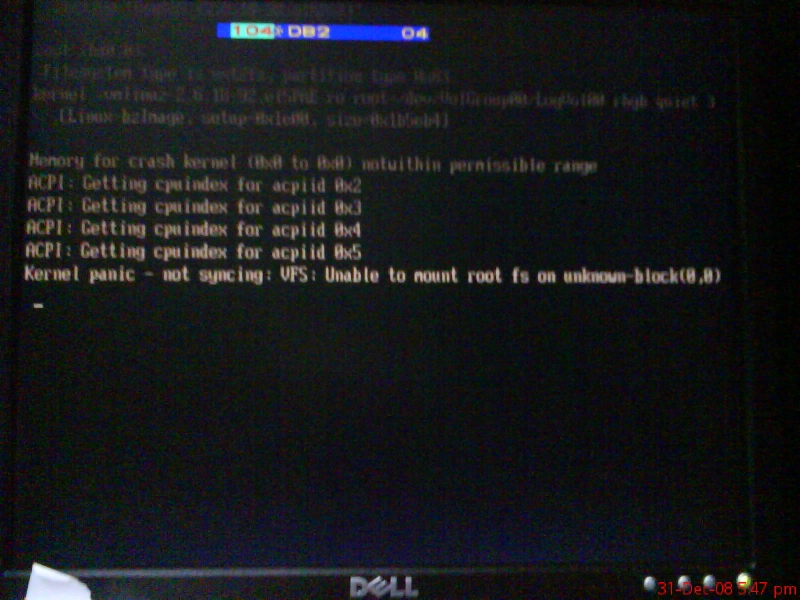
the other fellow can boot up.. but unable to start the db-service as it will ssh to the other fellow to mount it shared also …
tweak a bit .. prevent it ssh’d to others.. NFS partion not clean.. recommend to run e2fsck..
wooo hoo..
run a
e2fsck /dev/sda
735.0 Gb..
got some error.. prompt to fix.. bla..bla..
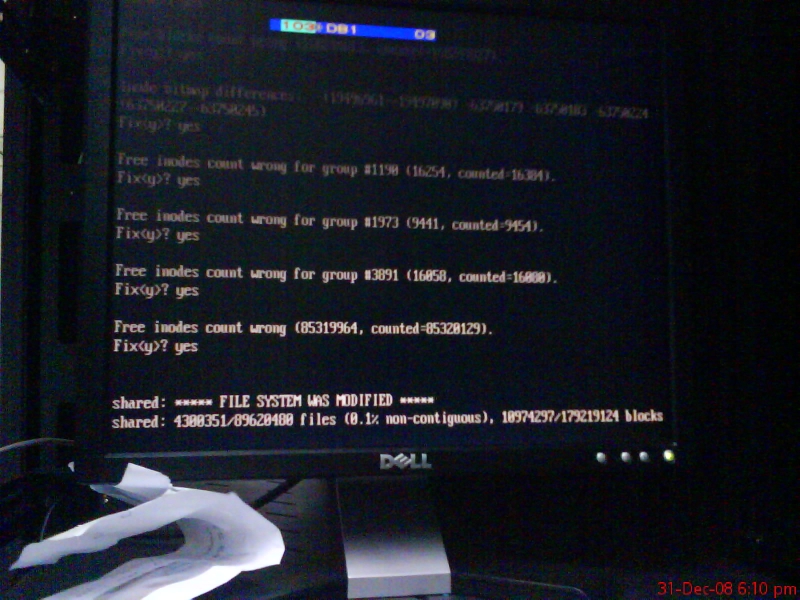
hmm.. no one calling yet.. almost 1900H.
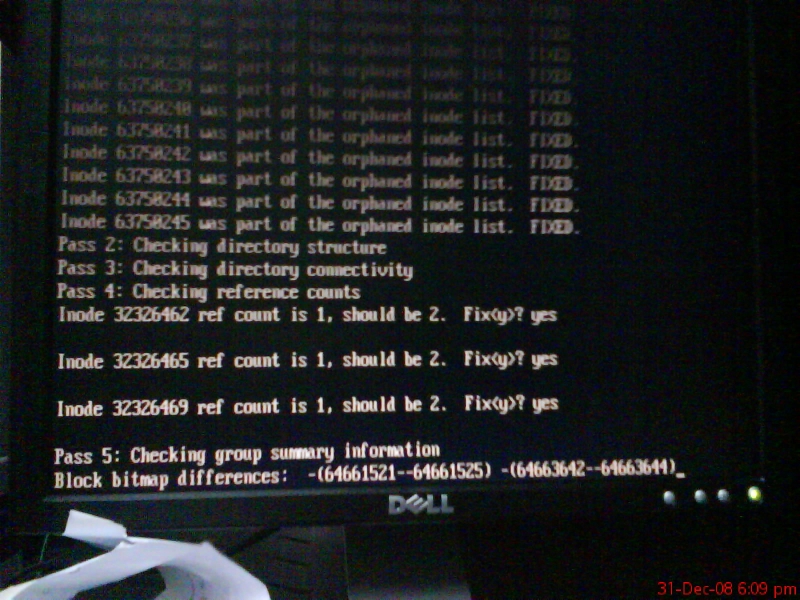
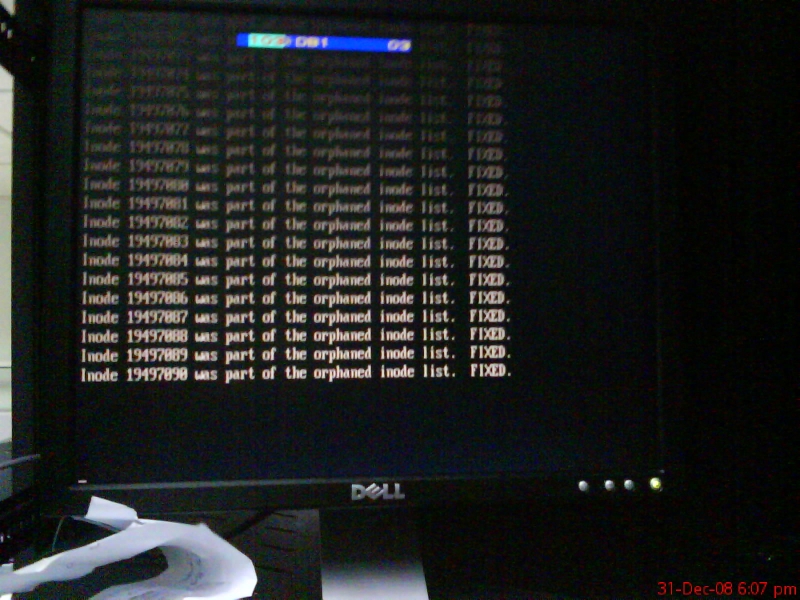
then completed the e2fsck .. successfully re-run the db-service with one node.. forgot to start the postgresql.. so the webserver did’nt functioning yet..
the other is fine.. a few minute later only realized.. then manually start the postgresql service.. making a note to fix it later.
now fixing the db1 kernel panic..
what to do..?
try boot to the old kernel.. also got same error. unable to find initrd
trying with manually key-ed in the initrd parameter.. still unsuccesful..
read something.. it said need to boot with rescue cd and re-run mkinitrd as the missing/corrupted initrd files..
source : http://help.lockergnome.com/linux/VFS-open-root-device-hda1-unknown-block-ftopict396006.html
where the heck to get CentOS-5.2-DVD at server room?.. did’nt bring any of the blank DVD at that moment..
hmm.. think again.. now I remember..
at the earlier time in the morning.. saNi asked if got CentOS-5.2-DVD..
i’d answer don’t have any DVD.. but got iso image .. can help to burn a CentOS-5.2-DVD.iso for him..
he provide the blank DVD and I did burned for him.. as he said installing to the new server.. at the back of my server ..did’nt bother much..
at this time .. 1900H.. he was out of office already.. went at the back of server room.. see if his machine and DVD still there..
luckily .. it was there.. the screen was requesting for removing the media DVD and reboot the machine to complete the installation..
hahaha.. I pull out the DVD.. did’nt reboot the machine though..
now going to linux rescue..
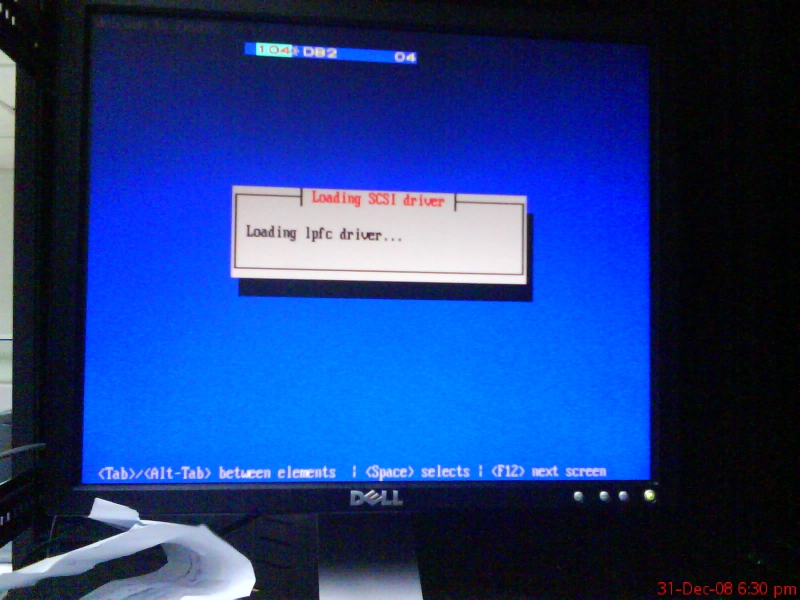
chroot /mnt/sysimage
hmm.. how to re-run mkinitrd?
nevermind.. go re-install the kernel instead..
succeed.. and it asked to re-install the grub.. without further thinking.. answered yes..
exit..
system rebooting.. bla..bla..
now it is not kernel panic.. but
got just
GRUB
on the screen..
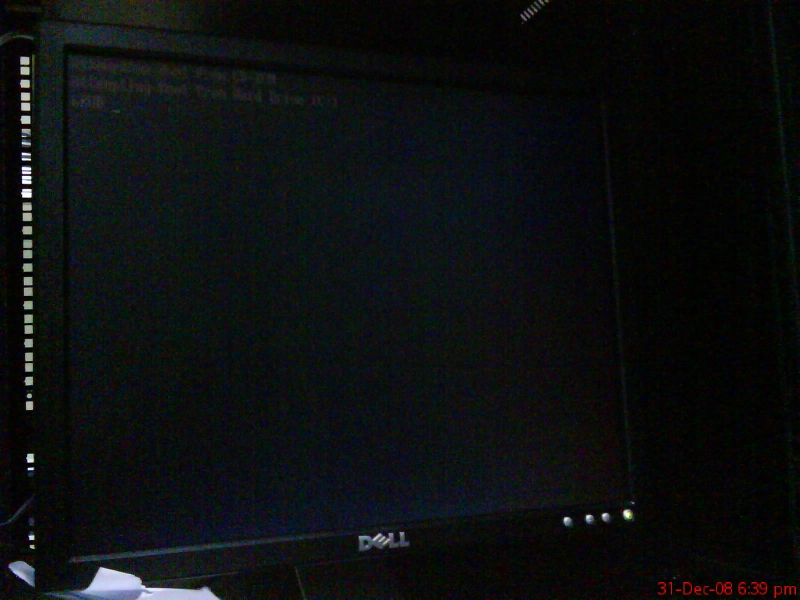
owh shit..
going to rescue mode another round..
fdisk -l
re-run
grub-install --recheck /dev/cciss/c0d0p1
it spit the device.map something asked to verify and correct if it was wrong..

now . noticed got something funny …
hd(0,0) /dev/sda
booting to shared storage ???
changed to this..
# manually edited by .namran on 31st December 2008 .on new year eve..

(hd0)   /dev/cciss/c0d0
and re-run grub-install
reboot..
yay… can boot with new kernel successfully ..
the time.. 1930H.. hmm.. going to fix db-service cluster.. why it does’nt start the postgresql.. and failed the dhcp.
and … stop , start db-service.. then realized..
whenever cluster service got more than one child script..
it did’nt properly killed the child first before killing the parent..
if only one it work just fine..
hmm.. tweaking it a bit.. to run whatever other service in just one child..
test… worked!!..
1945H.. got sms.. client complain unable to use webserver..
refreshing the webpage.. seem ok.. i think he was checking while i am doing the test with db-service or while I was fixing the db..
replied the sms to get him re-check..
almost 2000H… verify everything was ok.. nfsstat.. client service.. bla.. bla..
now got email also.. did’nt notice got email regarding this upgrade before.. replied to the email..
sending another sms out ..stating Job Done..leaving the server room within 5 minute.
wait.. 5 minute.. no reply .. no nothing.. so it is okay..
signing off from server room..
Happy new year 2009.!