
I woke up in morning and just found out about this announcement..
http://lkml.org/lkml/2008/12/24/105
then.. first few minute looking for the link to download the new kernel
went to main page http://lkml.org/
there top-right menu got link to latest kernel
http://www.kernel.org/pub/linux/kernel/v2.6/linux-2.6.28.tar.bz2
download that image (52 Mb) .. took few hour on my 3G..
then..
cd /usr/src/kernels

tar xjfv  /home/namran/Desktop/linux-2.6.28.tar.bz2
this will extract the content into /usr/src/kernels/linux-2.6.28
cd linux-2.6.28

make menuconfig
the menu will popup.. then select whatever driver that would like to add. save.
start compiling..
make
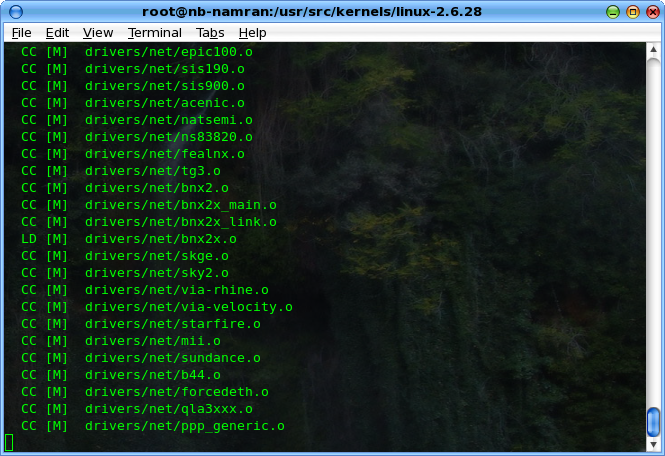
this one took me more than 1-hour.. hahaha.. went out for lunch then get back to see it ready..
then..
make bzImage

make modules

make modules_install
then.. prepare to be install into grub.
mkinitrd /boot/initrd-2.6.28-namran 2.6.28
this shall create the initrd-2.6.28-namran in /boot folder.
cp /usr/src/kernels/linux-2.6.28/arch/i386/bzImage /boot/bzImage-2.6.28-namran

cp /usr/src/kernels/linux-2.6.28/System.map /boot/System.map-2.6.28
edit /etc/grub.conf to reflect the new kernel.
default=0

timeout=5

splashimage=(hd0,4)/boot/grub/splash.xpm.gz

hiddenmenu

title Namran (2.6.28)

root (hd0,4)

kernel /boot/bzImage-2.6.28-namran ro root=LABEL=/ rhgb quiet vga=791 crashkernel=128M@16M 3

initrd /boot/initrd-2.6.28-namran
..
this one i put one initlevel 3 first.. as don’t want to messed up with nvidia card..
reboot.. and wait..
if everthing goes fine.. it will boot to level 3.. with login prompt..

here.. just to test the new kernel..
login as root
mv /etc/X11/xorg.conf /root/X11/xorg.conf.25dec2008
then run a fresh..
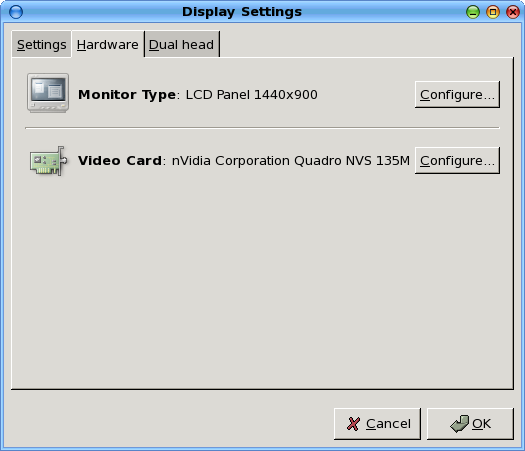
system-config-display
select the generic LCD 1440×900
choose resolution 1440×900. save
 then..
as normal user..
startx
should start X server and all the gnome session thingy.
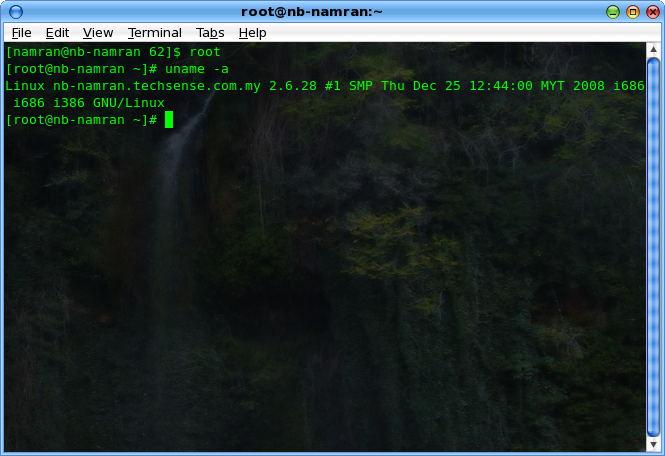
… seem fine..
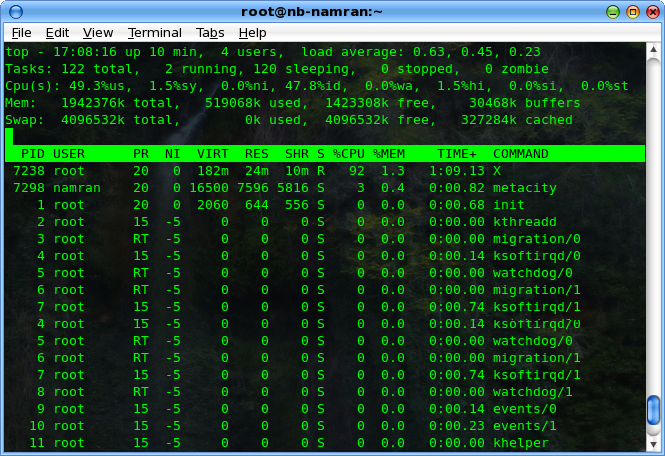
except i forgot to include ntfs support .. so can’t mount ntfs partition.. the rest just fine.. including the bluetooth, sound ..
yay !
Note: Installation of NX Server for Linux requires the download and installation of three packages: client, node and server. The client is needed because it ships libraries used by the node. The node is needed because it ships tools needed by the server. Furthermore, the SSH server daemon (SSHD) needs to be up and running on each of the NX Node machines since NX relies on the mechanism provided by the SSH subsystem for handling user authentication.