
Upgraded mine from CentOS 5.2 to CentOS 5.3.. by performing..
yum update -y --exclude openoffice.*
and reboot..
boot menu having this splash image…

[ad#postad]

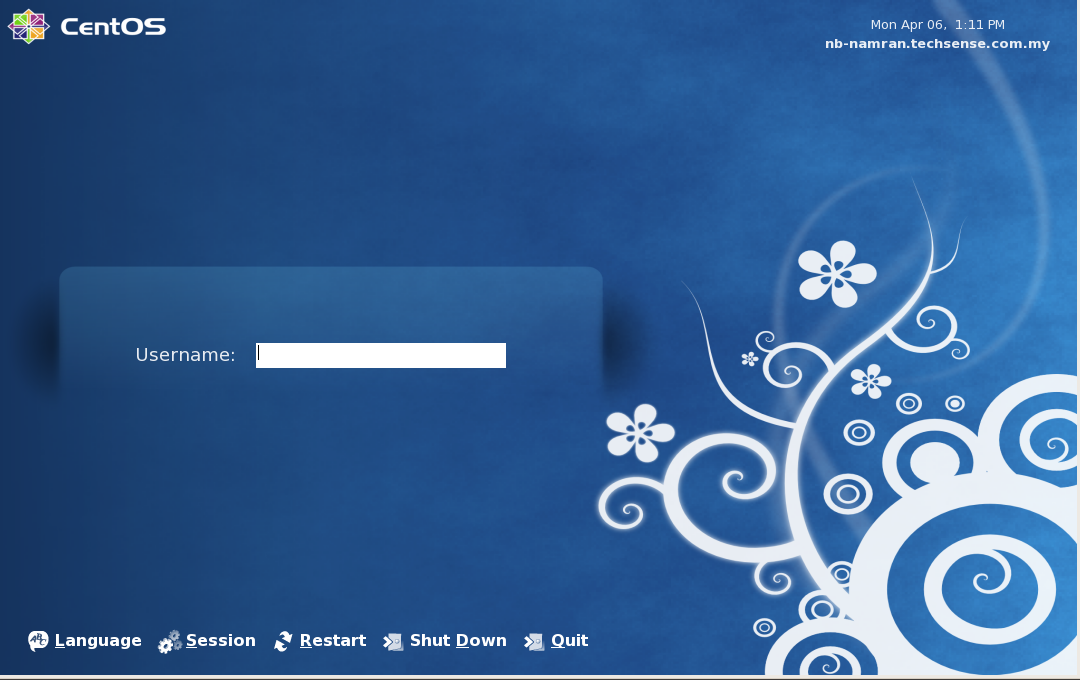
here is the login screen..
.
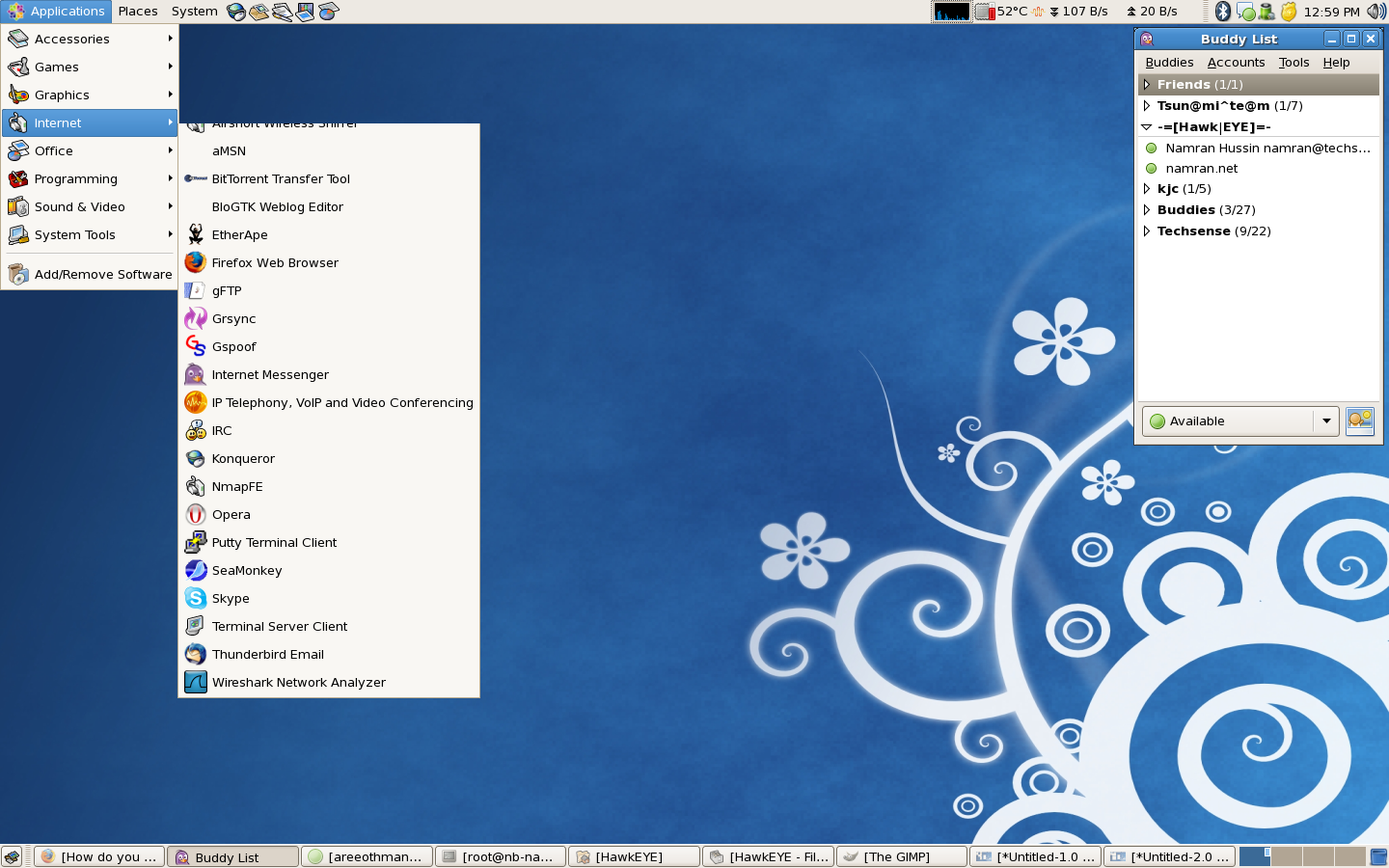
and desktop screenshot..
login screen can be captured by running another GDM and X using..
gdmflexiserver -n
p/s : nice artworks.. to view it.. have to login as new user as my old user already had customized all interface. 😎
This is a great article. I was able to setup a monitoring service quickly. I have visited a lot of websites and none of them got me to a place where I could monitor my servers this quickly.
Thanks
Girish
to use snmp to monitor other thing..
better to get the utils correct with this.
yum install net-snmp-utils
and then can test with ..
snmpwalk -v 1 localhost -c public system
Looking forward start investing very soonBeautiful! Great site!