
Well, I did a removal of various self-installed firefox ..
and also remove the exclusion of firefox package from
/etc/yum.conf
[main]
cachedir=/var/cache/yum
keepcache=0
debuglevel=2
logfile=/var/log/yum.log
distroverpkg=redhat-release
tolerant=1
exactarch=1
obsoletes=1
gpgcheck=1
plugins=1
#exclude=opera,openoffice*,firefox,xulrunner
exclude=opera,openoffice*
# Note: yum-RHN-plugin doesn't honor this.
metadata_expire=1h

installonly_limit = 5

# PUT YOUR REPOS HERE OR IN separate files named file.repo
# in /etc/yum.repos.d
then ..
yum install firefox |
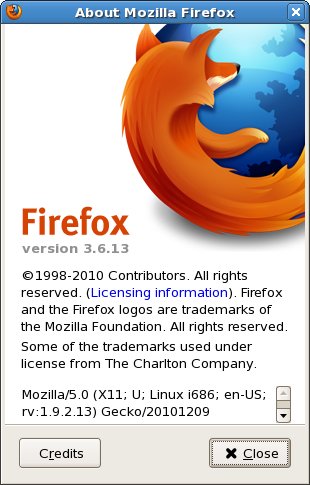
So, I got.. “Firefox 3.6.13” installed.
Now, I want to add JRE support / plugins into this browser.
From my reading , it now need “New Generation plugins” of java plugin
instead of :
ln -s /usr/java/latest/plugin/i386/ns7/libjavaplugin_oji.so /usr/lib/mozilla/plugins |
which was working before this.. but not with Firefox 3.6.13
it now require at least java 1.6.0-18 JRE/JDK.
which read as java 1.6 update 18.
So, I grab that java 1.6 update 18 from java.com website in the
old release archive.
sh jdk-6u18-linux-i586-rpm.bin |
a precheck..
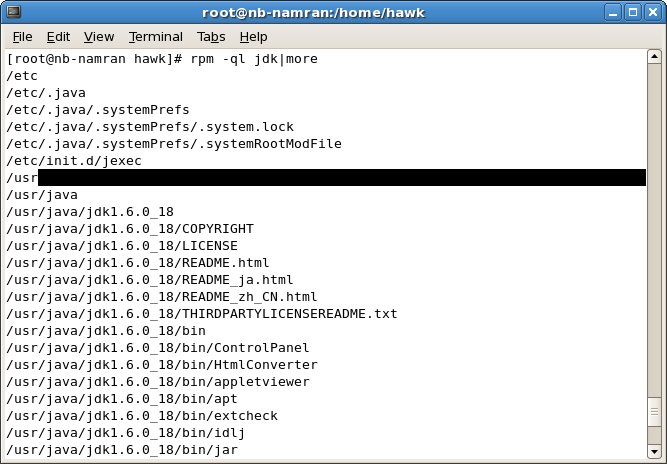
then I just need to do the following for ..
remove the old one..
rm usr/lib/mozilla/plugins/libjavaplugin_oji.so -rf |
and add to cuurent user plugins directory as follows
cd ~/.mozilla ln -s /usr/java/jdk1.6.0_18/jre/lib/i386/libnpjp2.so . |
so.. it now detected..
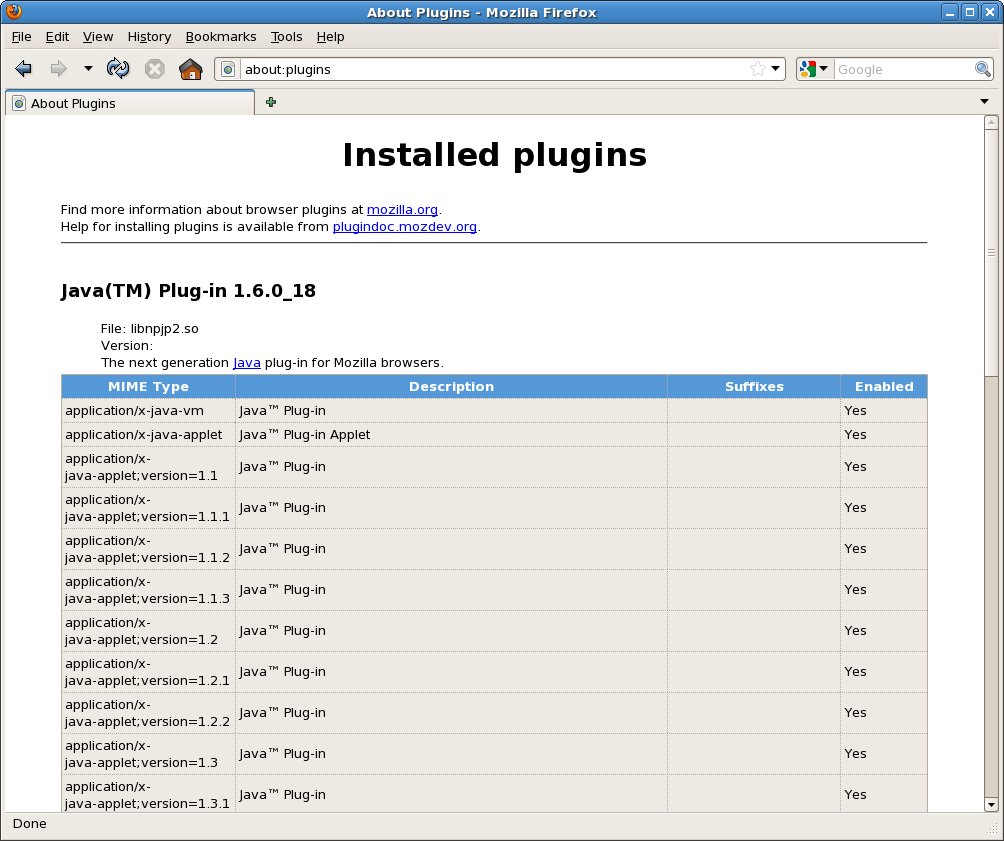
resulting …
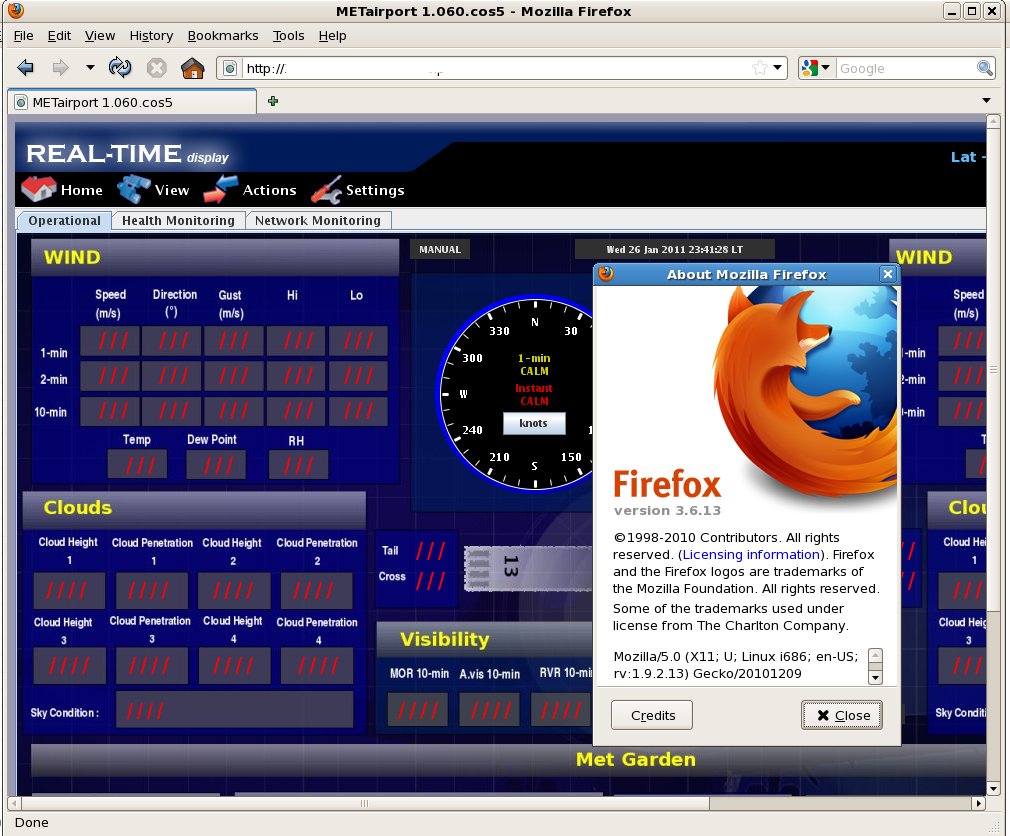
now.. my applet re-appear again.
References :
1. http://java.sun.com/products/archive/j2se/6u18/index.html
2. http://forums.mozillazine.org/viewtopic.php?f=38&t=1882695
bro macam mana nak setting utk ipv4 untuk connect ke unifi.
Hi,
well, I ‘m a newbie to ipv6(and many other things).
I’m a unifi subscriber VIP5.
I’d like to set up a home network comprising a laptop and a pc, to be able to ping each other and outside world using IPv6.
At the first step, I want to be able to ping ipv6.google.com
currenly I’m running ubuntu on my laptop.
I followed your instruction to register with he.net and got the same script. however I don’t know what you mean by copy& pasting it into “your router box”? can you help me? Thanx