
Firstly initiate SSH connection to server.
Enter your hostname , port, user , password and all.
Then go to .. title bar -> right click -> Change Setting..
.. go to Category -> Connection -> SSH -> Tunnels.
Enter source port ..
then the destination .. Ip:port
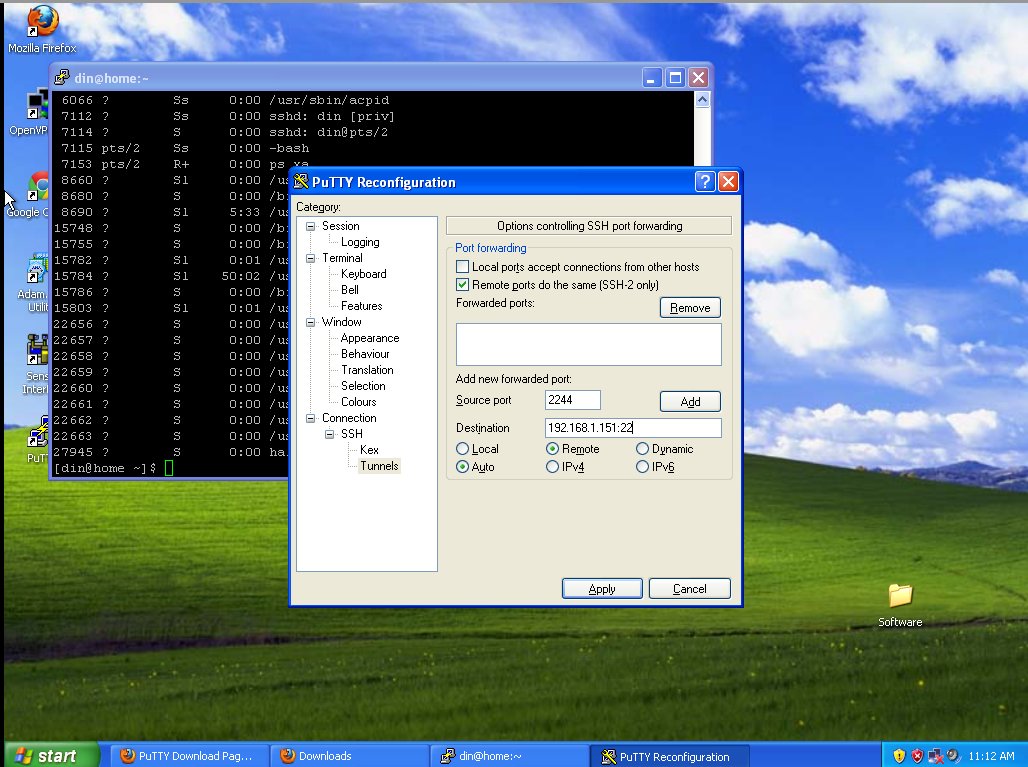
then. click Add.
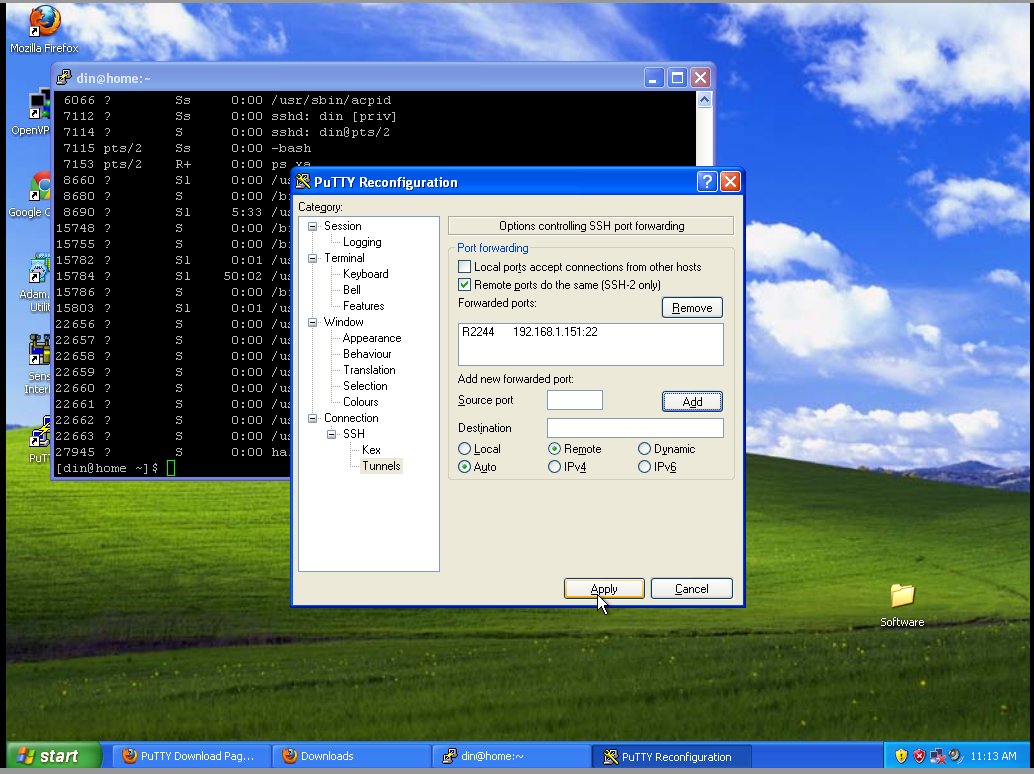
..
then Apply.. done!
Highly descriptive blog, I enjoyed that bit. Will there be
a part 2?