Ubuntu 9.10 with codename “Karmic Koala” have been released few days ago..
Yes, it is a free Desktop O/S that can be downloaded from http://www.ubuntu.com/getubuntu/download or can also request for Free CD to be shipped to your house. [Free CD shipping might have discontinued.]
It is not that large. about 690Mb.
[namran@nb-namran iso]$ ll -h ubuntu-9.10-desktop-i386.iso
-rw-r--r-- 1 root root 690M Oct 31 20:51 ubuntu-9.10-desktop-i386.iso
as usual let’s see some screenshot..
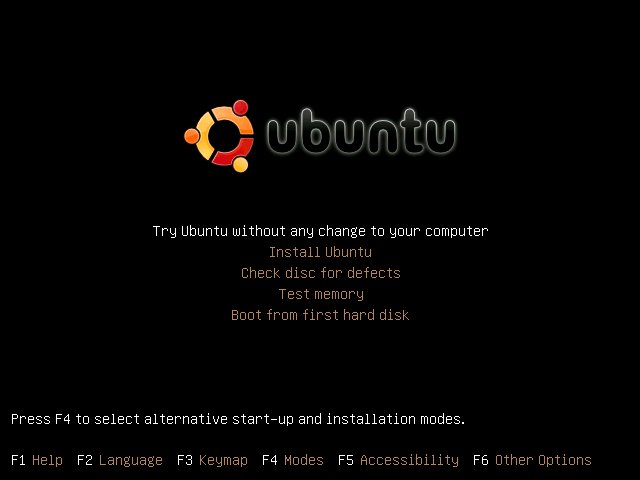
Boot menu from live cd :
nice splash image :
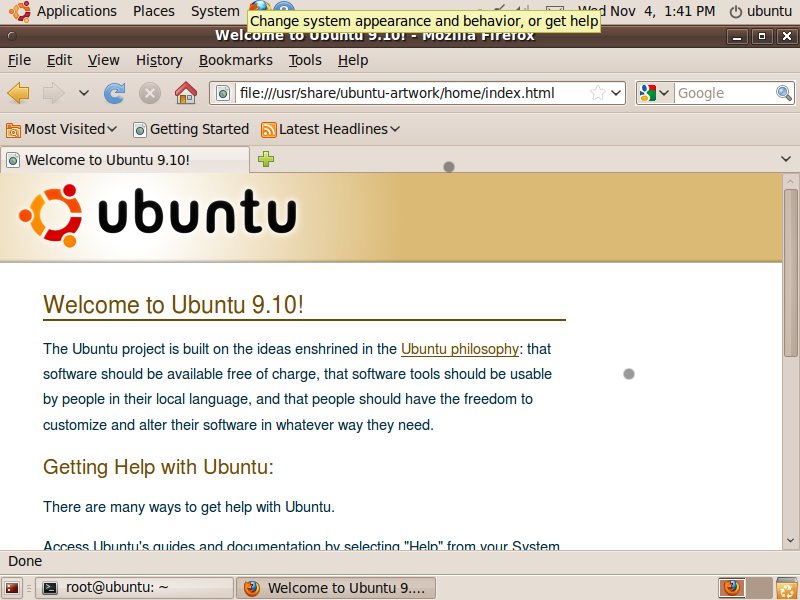
and the shiny new Ubuntu 9.10 Desktop :
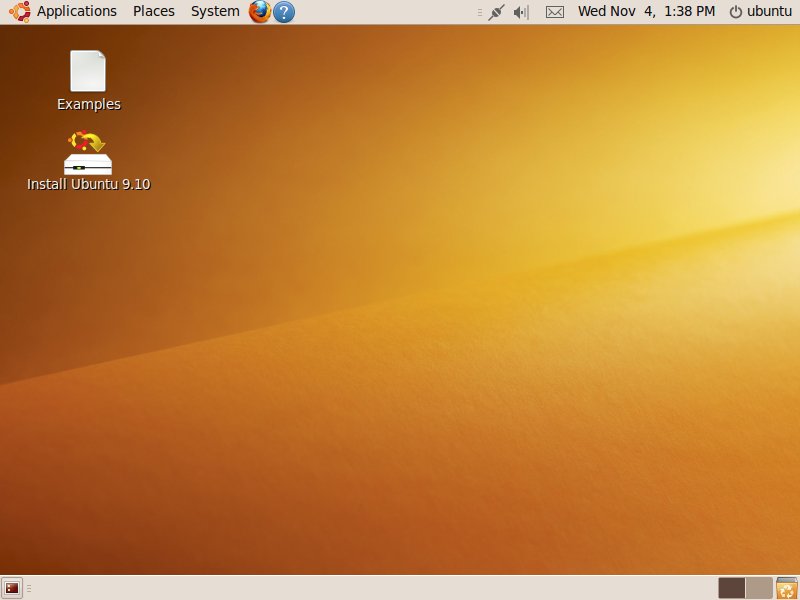
[ad#postad]
A peek to “Applications-> Internet” list… :
Empathy Messenger and File Browser :
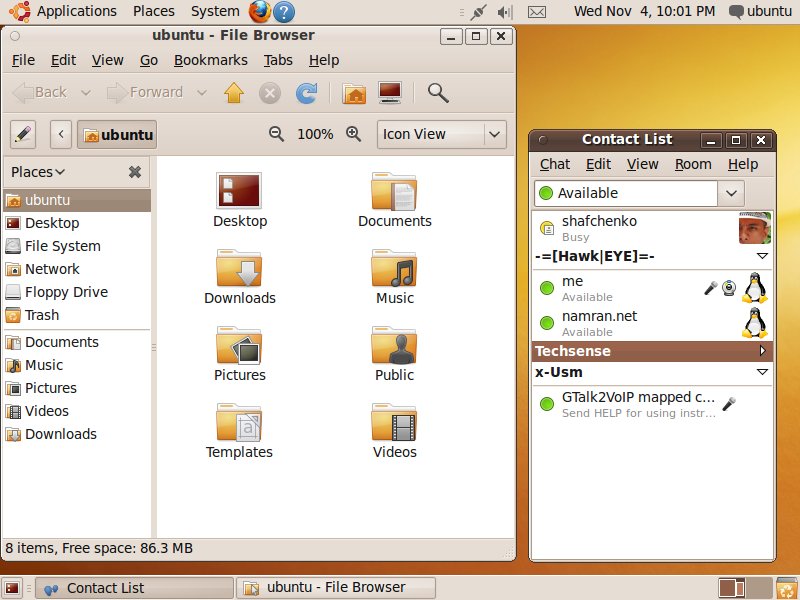
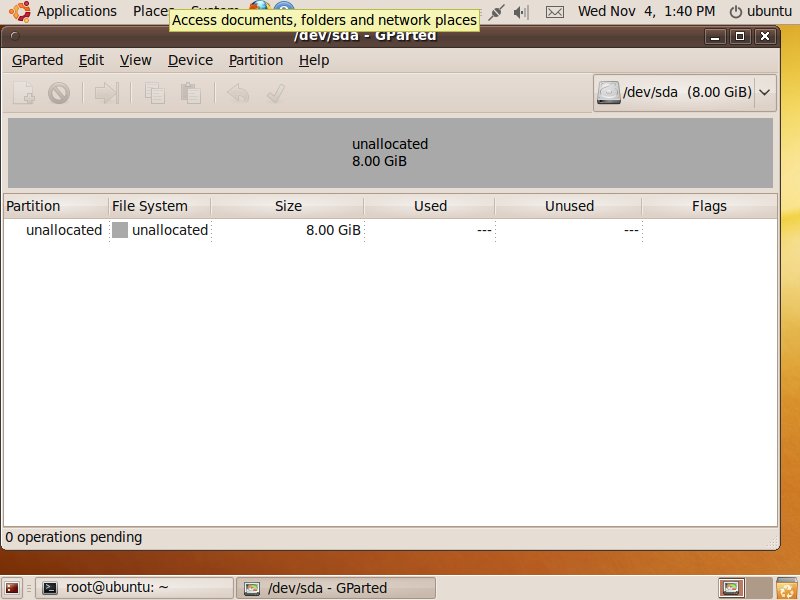
Gparted for partition editor purpose.. really glad it come together by default : )
[ad#postad]
And of course the favourite … “Terminal” :
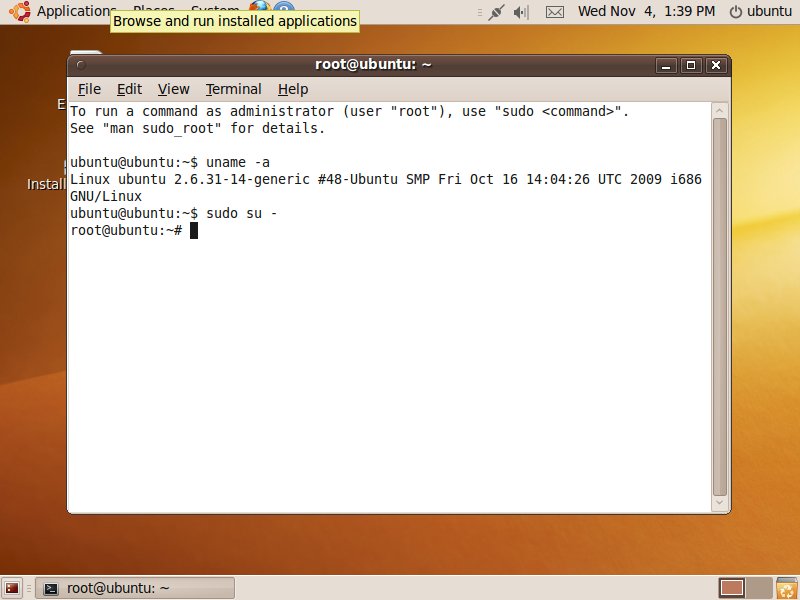
p/s : .. not much playing with it this time.. might be later …
oh well.. this post can be edited at any time .. 🙂


… how long did you manage to get away without installing this one? 😎
approximately within 48hours.. hahaha.. (very slow-pace mode) as the file exist since..
Mon Mar 9 15:28:31 2009 UTC (32 hours, 49 minutes ago) by ..
quite weird when most of the item are just disappeared..
.. at first thought some config problem.. removing the whole project directory and re-checkout.. still the same..
then only figured one by one.. lol..
Worked for me. Many thanks!
@Andre : you’re welcome.. hopefully it help those in need.
I’m still having this problem. If done the yum install php-xml, but I still get the error about missing DomDocument class. I have read some posts that talk about executing a enable lib-xml extension command, but when I do this command, I get a error that lib-xml and extension is not a builtin command. Any suggestions would be appreciated.
really very helpful it works
Good, It worked
Awesome! Everywhere else I was looking referenced libxml2 which I had already installed. This fixed my issue!
Awesome! thanks so much.
Thx, after a lot of hours spend in the source the problem was in the server! 🙁
Updating the php-xml (note: it had already been installed long before the problem cropped up) on my CentOS server did the trick.
Thanks for the help.
Thanks, it worked !!
Just a note, if you’re on centos and you had to do a custom install of php 5.3, yum install php53-xml will do the trick
@rc – thank you!
Woooow, thank you!
U save my ass…
This worked great, thanks!
Thank you , was baffled with this error, your post saved the day
It worked for me like a charm. Thank you verry much.
ANSWER IS HANDY :)THANKS A LOT
Thank you, sir.
I also had to add the line:
extension=dom.so
to my php.ini file and restart apache. I’m using Fedora 16.
Thanks. saved a lot of time. Had that issue with owncloud
Thank you very much indeed! It solved my issue viewing the internal wiki syntax page with dokuwiki running over lighttpd in Scientific Linux.
Muito obrigado valeu muito o bizu de instalar esta yum install php-xml, excelente ajuda, estava precisando muito