
Same as the others, get into BIOS..
set it to boot from DVD/CD drive..
insert the media..
wait until this boot menu appear.
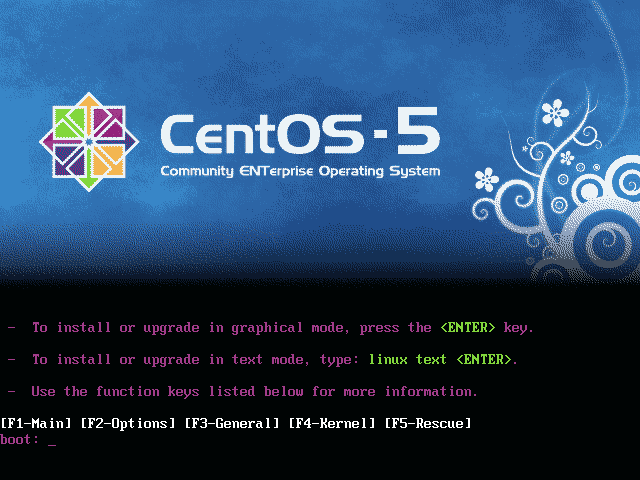
press enter .. it shall start and eventually shows this ..
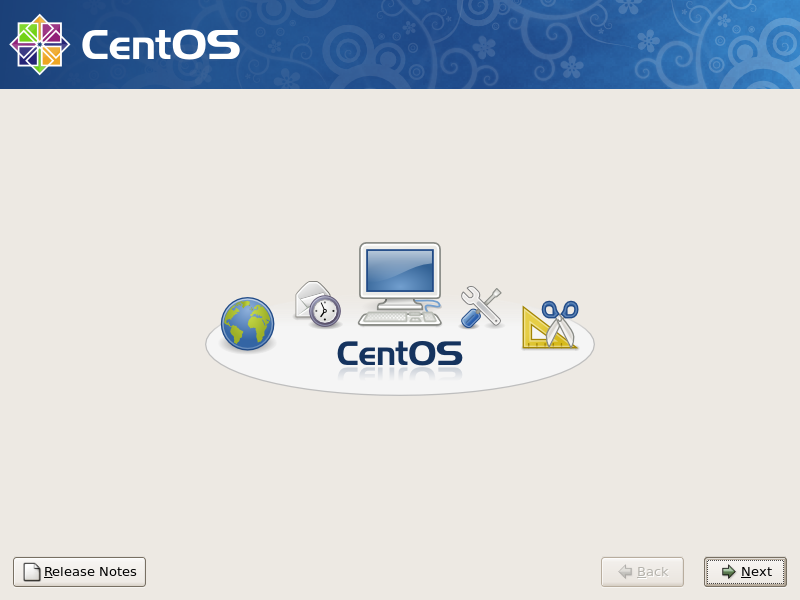
answering few question correctly depend on your environment..
[ad#postad]
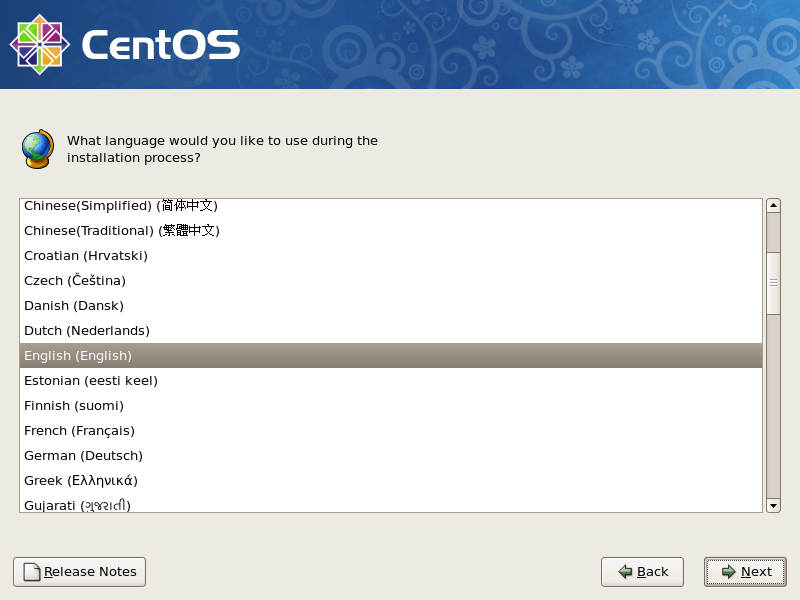
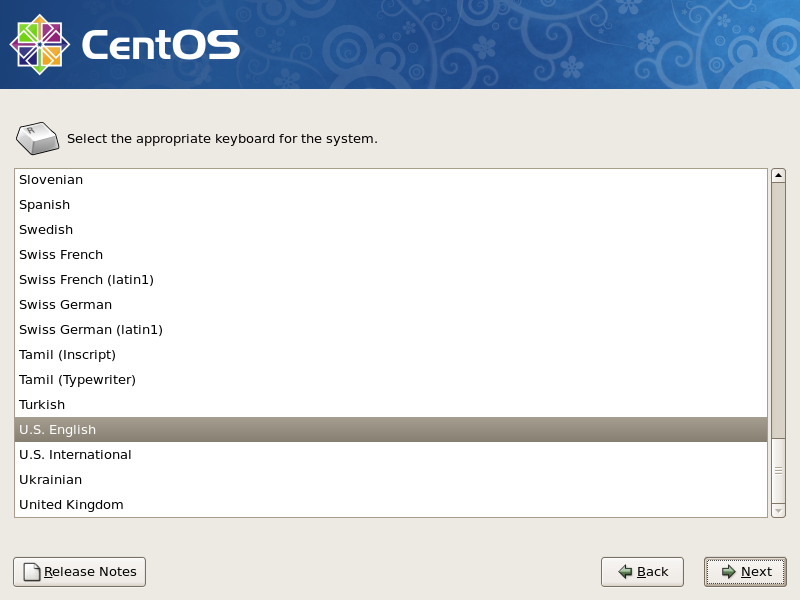
Depend on your hardisk size.. something like this will appear if inserted completely new hardisk..
be careful of setting up the partition and all.. as it tend to cause a lot of headache if messed up here.. 😎
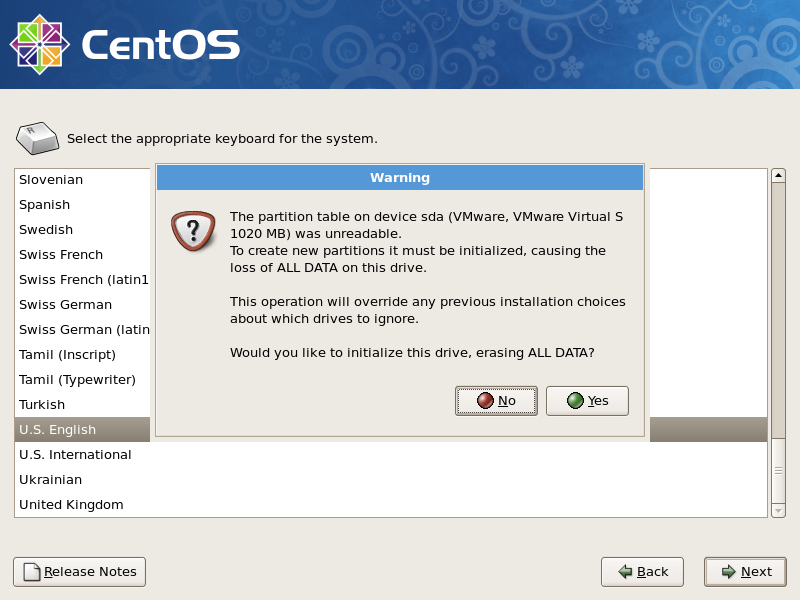
Notice the additional tick box.. Encrypt system. hehehe. this would have additional layer of data security..
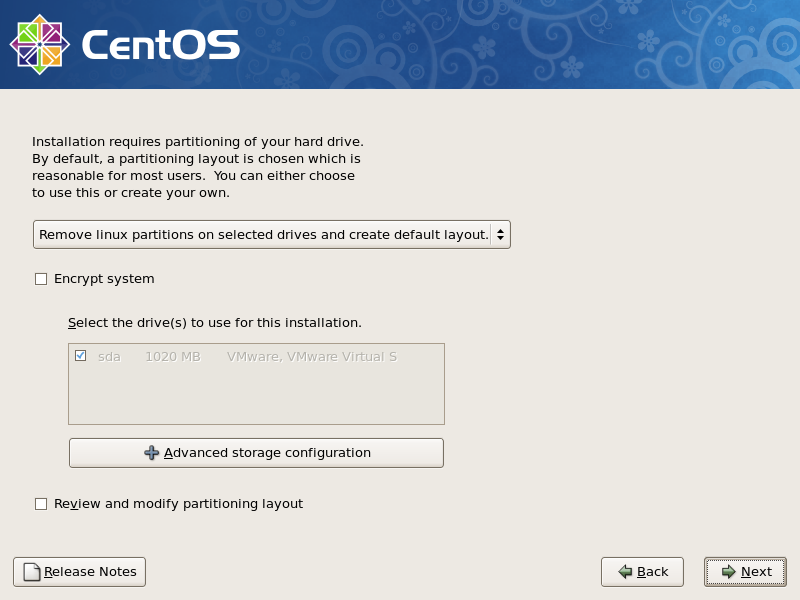
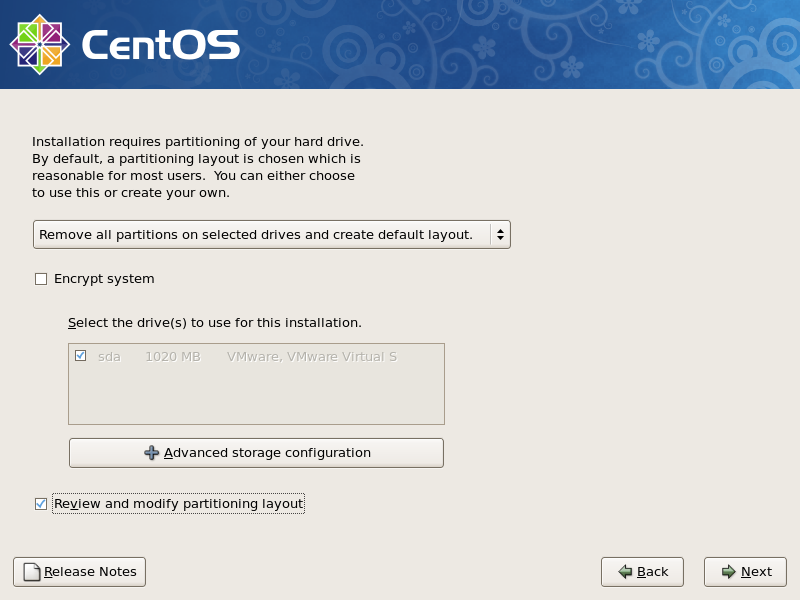
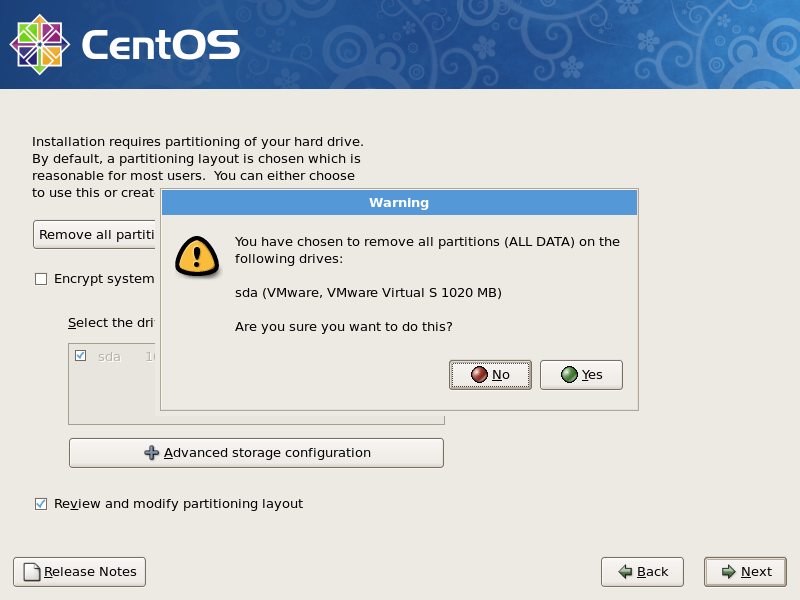
yes.. rite.. it will asked again to re-confirm..
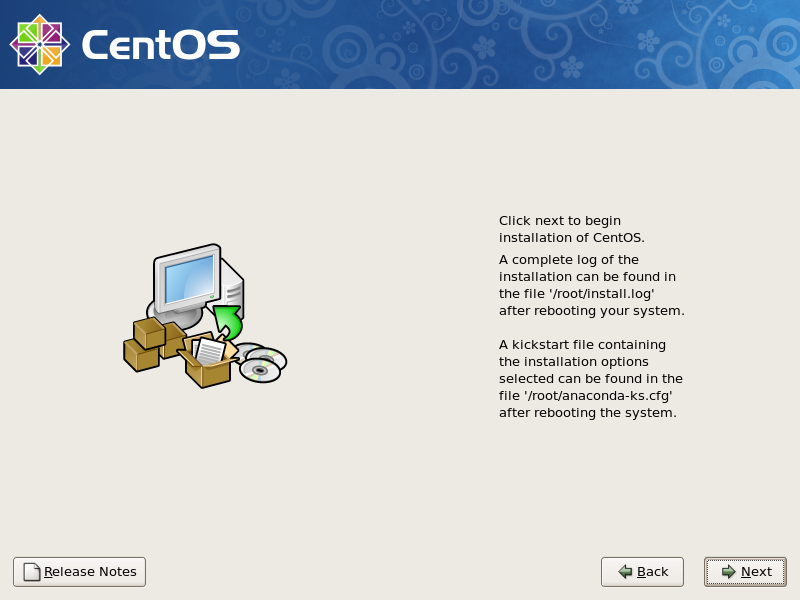
then.. its ready to start..
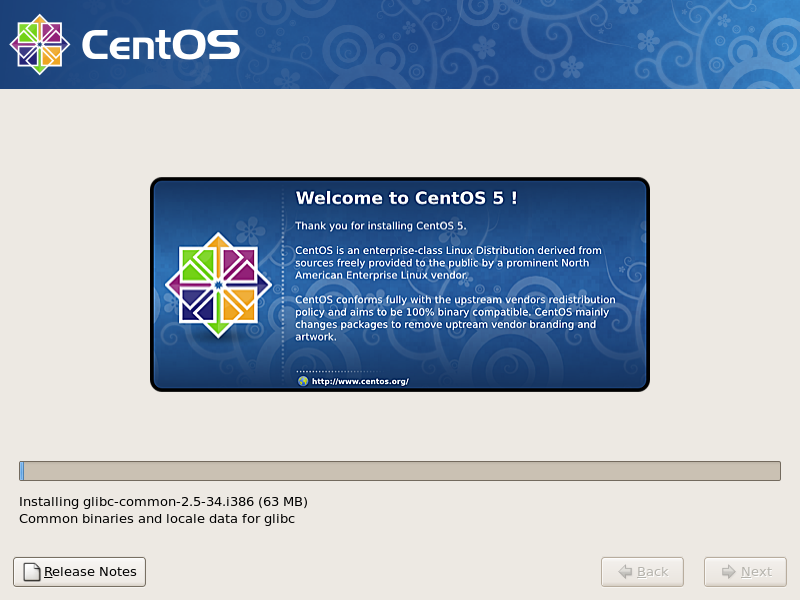
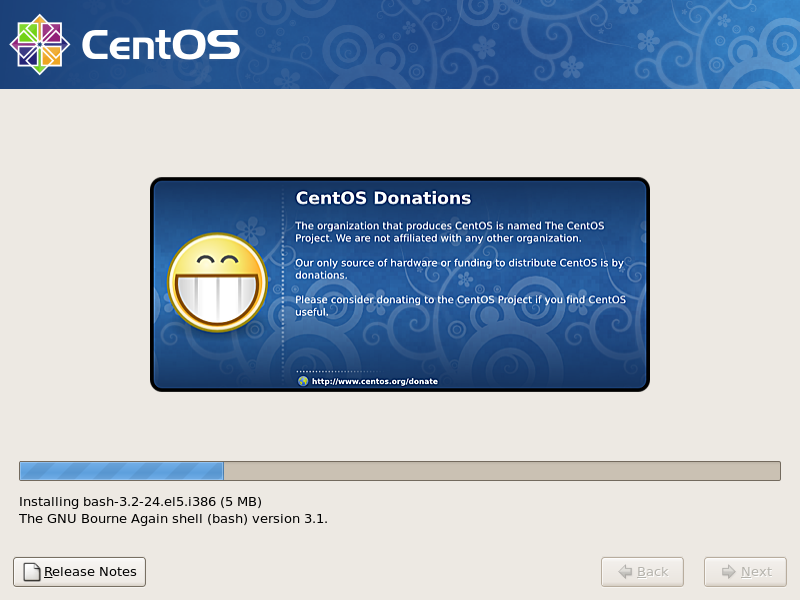
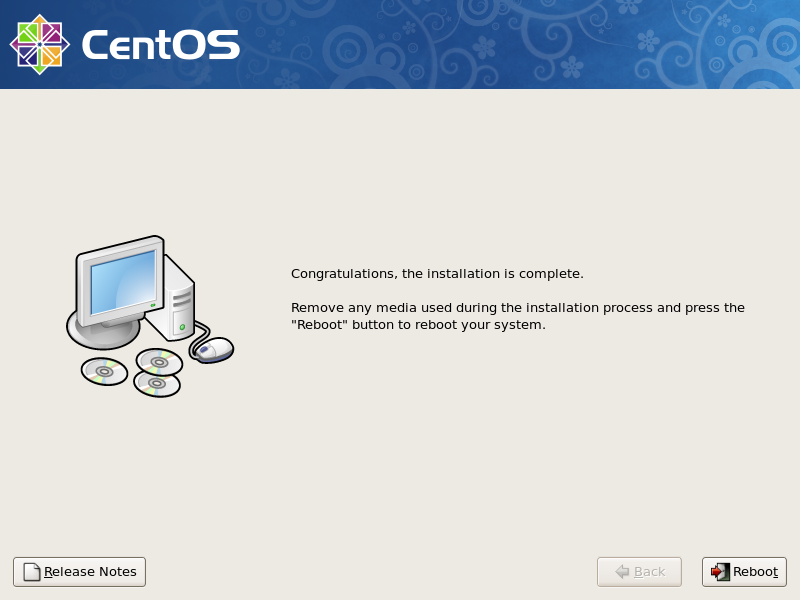
after reboot.. first time boot up it will generate the SSH RSA keys and all.. and will have something like here
p/s : for minimal install, unselect ALL package from the Packages Option.. and it will continue to install will the minimal installation that it need to run.
Hey! Thanks for this! Great walkthrough.
I just downloaded and played with this myself
for the first time, and i enjoy getting directions
for stuff to look at.
Another alternative to the two part USB files:
in the readthisfirst file, there is a list of mirrors
to the ISO worldwide.
Also: i did the wget app download (you might
want to “blank out” the first failed attempt)
Question: where is the “app store” for
Android stuff? is it an app? is it like Cydia
for jailbroke iphones?
I want to walk around in the softs a bit.
thanks!
Foob
Uncle Foobar : ok.. had ‘blank out’ the first failed attempt on the app installation due to typo error of the app url..
App store for Google Android is available at http://www.android.com/market/
however.. it may not available at your mobile due to some TELCO / countries restriction..
please check the local Android user community..
or just go to http://developer.android.com/community/
😎
App Store is not open-sourced, hence not in these kind of builds. You need to have some agreement with google to distribute it on your “phones”.
You can browse what’s available in the market through the following hack http://www.cyrket.com from the same guy who brought you cydia on the iphone.
Having said that … those who have rooted android phones … can probably download an app from the market and “share” it with you …