
I just have enough USB to serial converter which will fail occasionally.
So , I decided to put aside some money to buy a PCI-e to RS232.
Bought this board from All-IT digital mall.
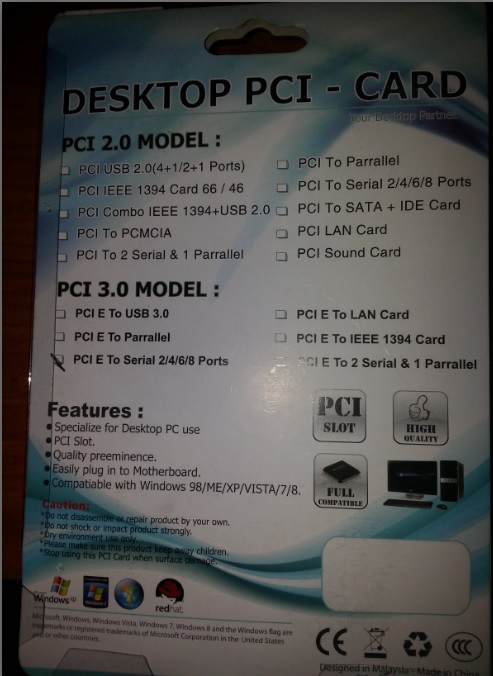
Once installed , the windows machine detected it accordingly.
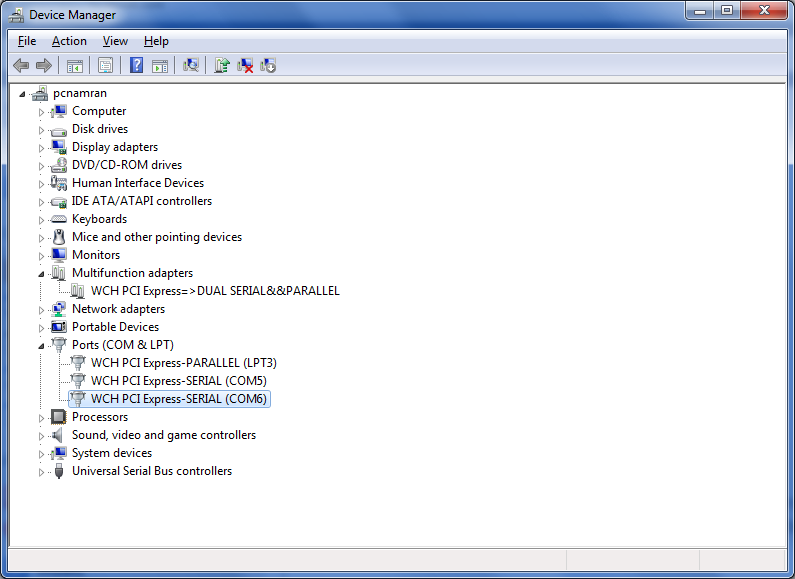
which represented as COM5 and COM6.
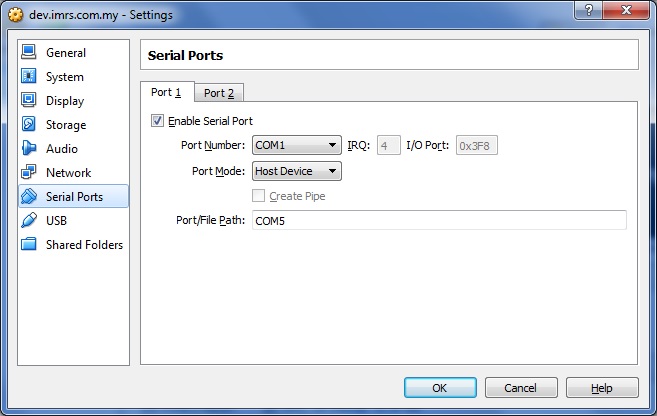
Now to add this to VirtualBox, In setting just need to specify the host device as COM5 and mapped to virtual O/S serial.
and inside the box, we would be able to access as normal port. /dev/ttyS0 on CentOS 6.
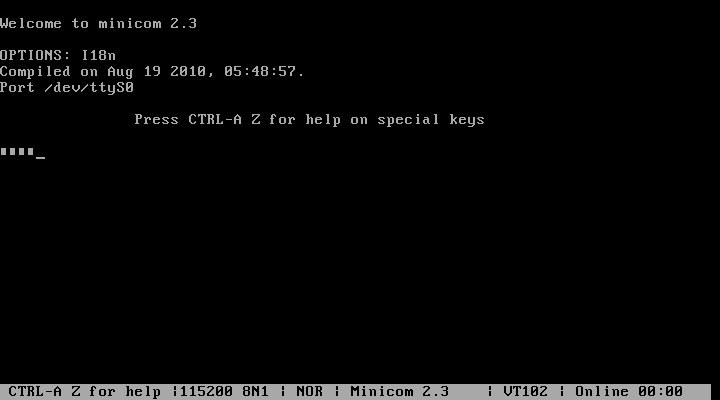
yay!
This rather good idea is necessary just by the way
I was wondering if I can use this for my wordpress 2.9.2 site. I simply want to mirror/sync/backup all my newly UPLOADED files to a new BACKUP website. (I don’t want to wait for the cron job to kick in)
I love what you guys are up too. Such clever work and exposure! Keep up the good works guys I’ve added you guys to blogroll.