
Someone pointed to me about the EyeOS .. few days ago , i think.. or is it previous weekend ?
hehe..
anyway.. I managed to get it up and running at.. another subdomain. (drumroll please.. 8-))
well.. i don’t know if this really mean a cloud computing though..
as from the first test..
i open “Navigator” in the EyeOS…
.. the try access my home pc website at http://home.namran.net/
and while doing this.. i monitor the log with..
tail -f /var/log/httpd/access.log
to see where did it really come from..
interestingly .. it shows that it had serving to a request my own laptop ip address..
192.168.1xx.250
192.168.1xx.250 - - [19/Jul/2009:22:42:51 +0800] "GET / HTTP/1.1" 403 5043 "http://i.namran.net/" "Mozilla/5.0 (X11; U; Linux i686; en-US; rv:1.9.0.11) Gecko/2009061613 CentOS/3.0.11-2.el5.centos Firefox/3.0.11"
192.168.1xx.250 - - [19/Jul/2009:22:42:51 +0800] "GET /icons/apache_pb.gif HTTP/1.1" 200 2326 "http://home.namran.net/" "Mozilla/5.0 (X11; U; Linux i686; en-US; rv:1.9.0.11) Gecko/2009061613 CentOS/3.0.11-2.el5.centos Firefox/3.0.11"
192.168.1xx.250 - - [19/Jul/2009:22:42:51 +0800] "GET /icons/powered_by_rh.png HTTP/1.1" 200 1213 "http://home.namran.net/" "Mozilla/5.0 (X11; U; Linux i686; en-US; rv:1.9.0.11) Gecko/2009061613 CentOS/3.0.11-2.el5.centos Firefox/3.0.11"
so .. it could be just a “Camouflage” interface..
not really the thing from there.. like what we had in the “torrentflux” thing..
where it would be the originating from the hosting IP address.. so that we can get ‘stuff’ downloaded pretty quick.
I was thinking/dreaming to use it to download something stuff from rapidshare.. trying to download some files simulatanously ..
hahhahaa..
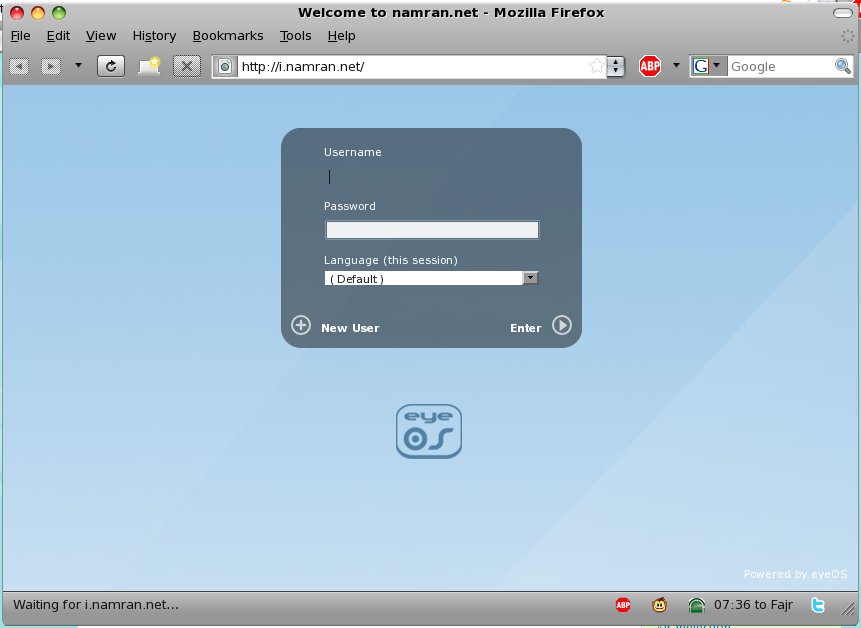
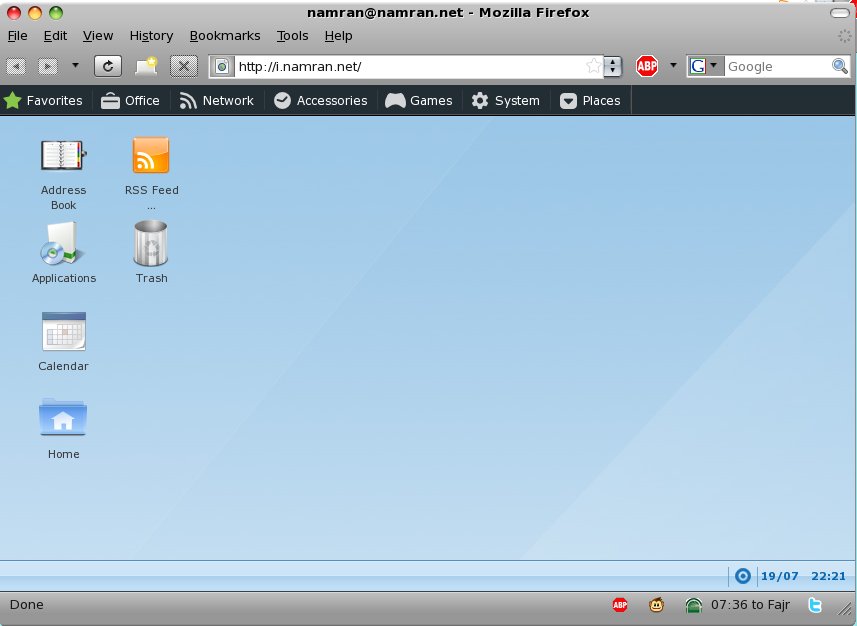
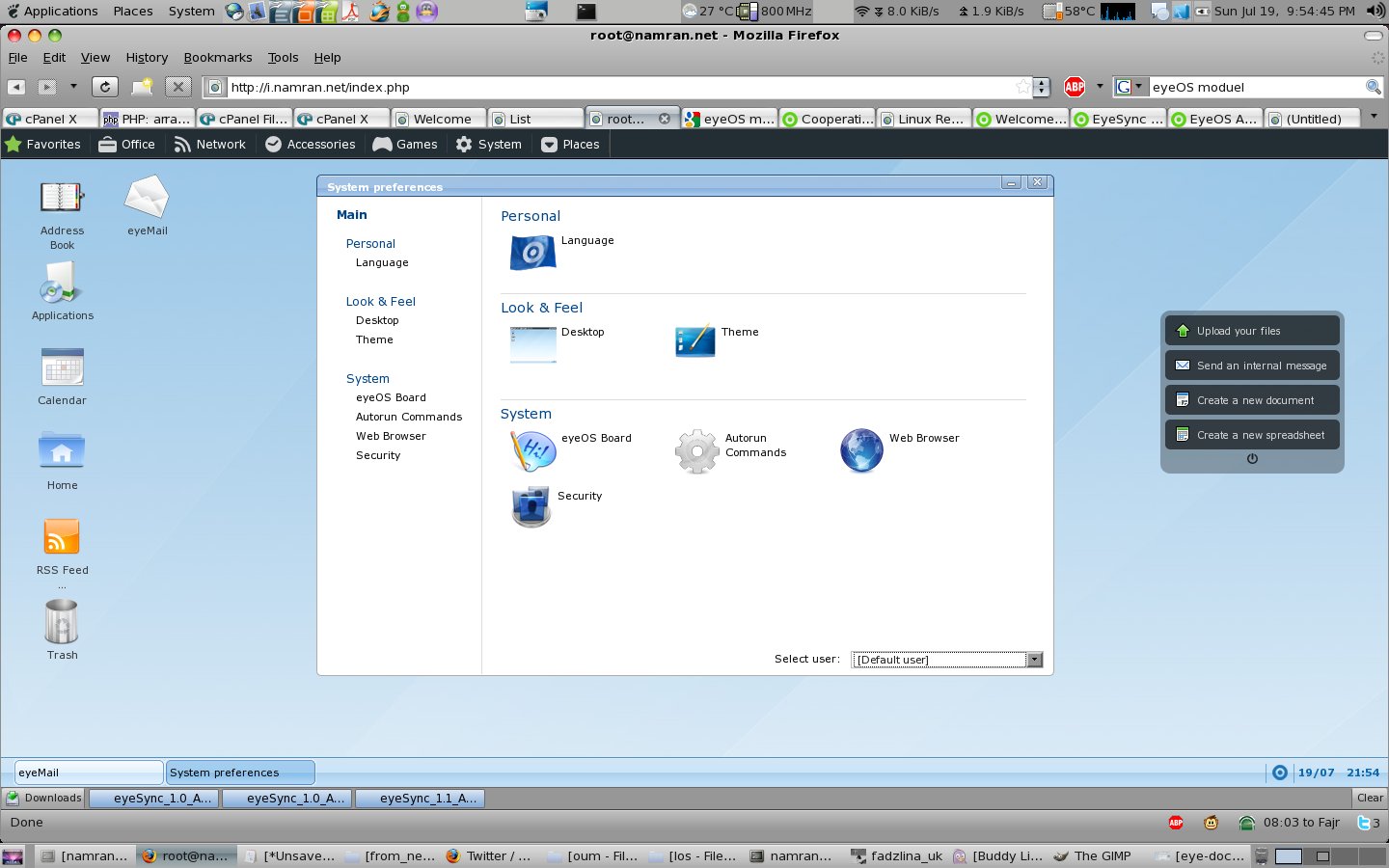
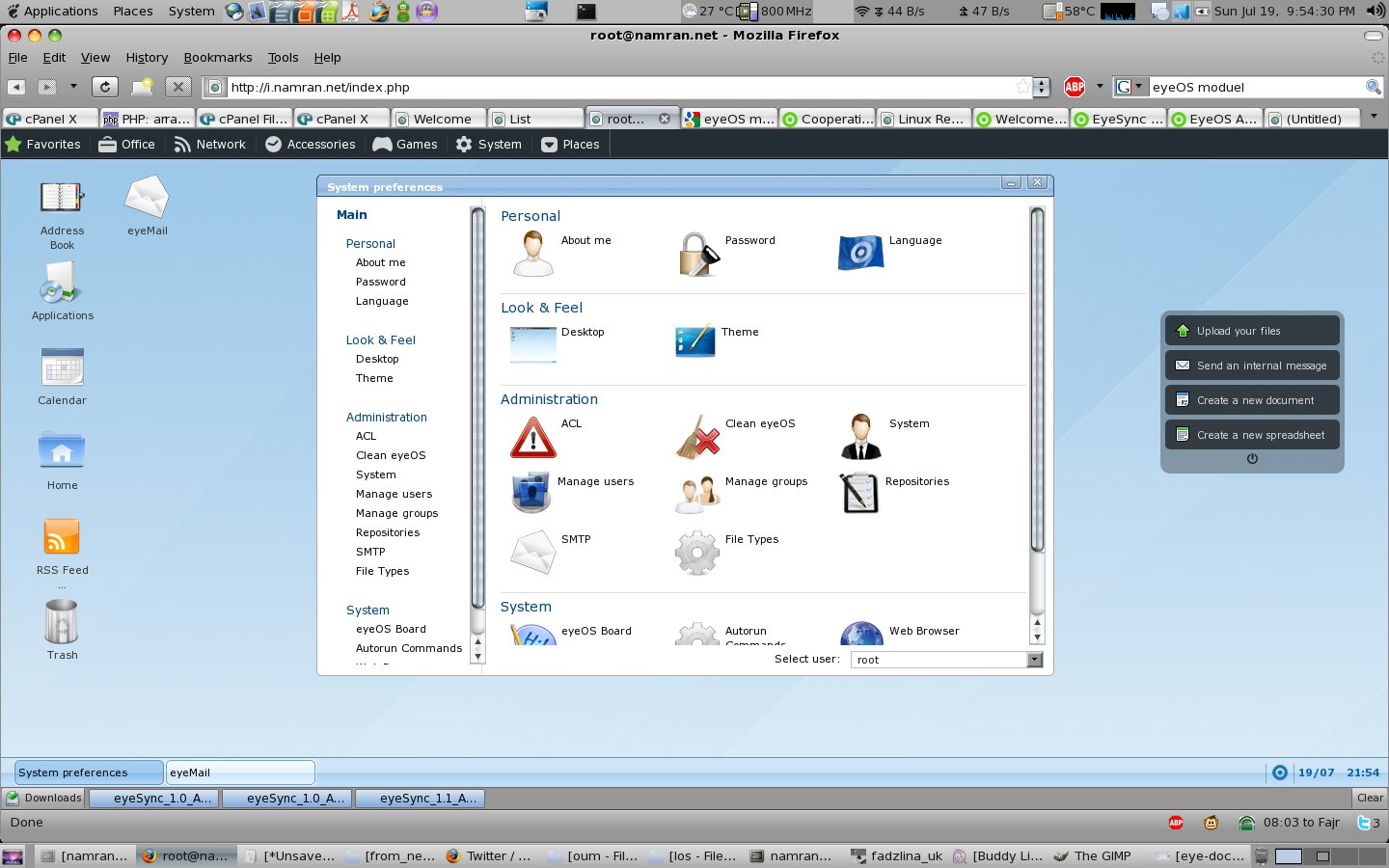
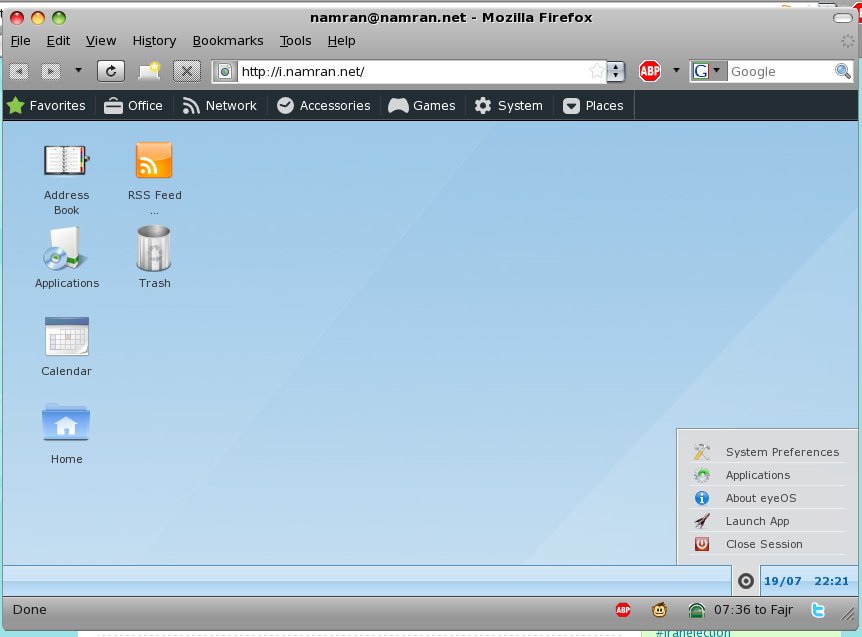
well.. here is the screenshot from that EyeOS..
Login screen..
[ad#postad]
User Desktop..
.. Application.
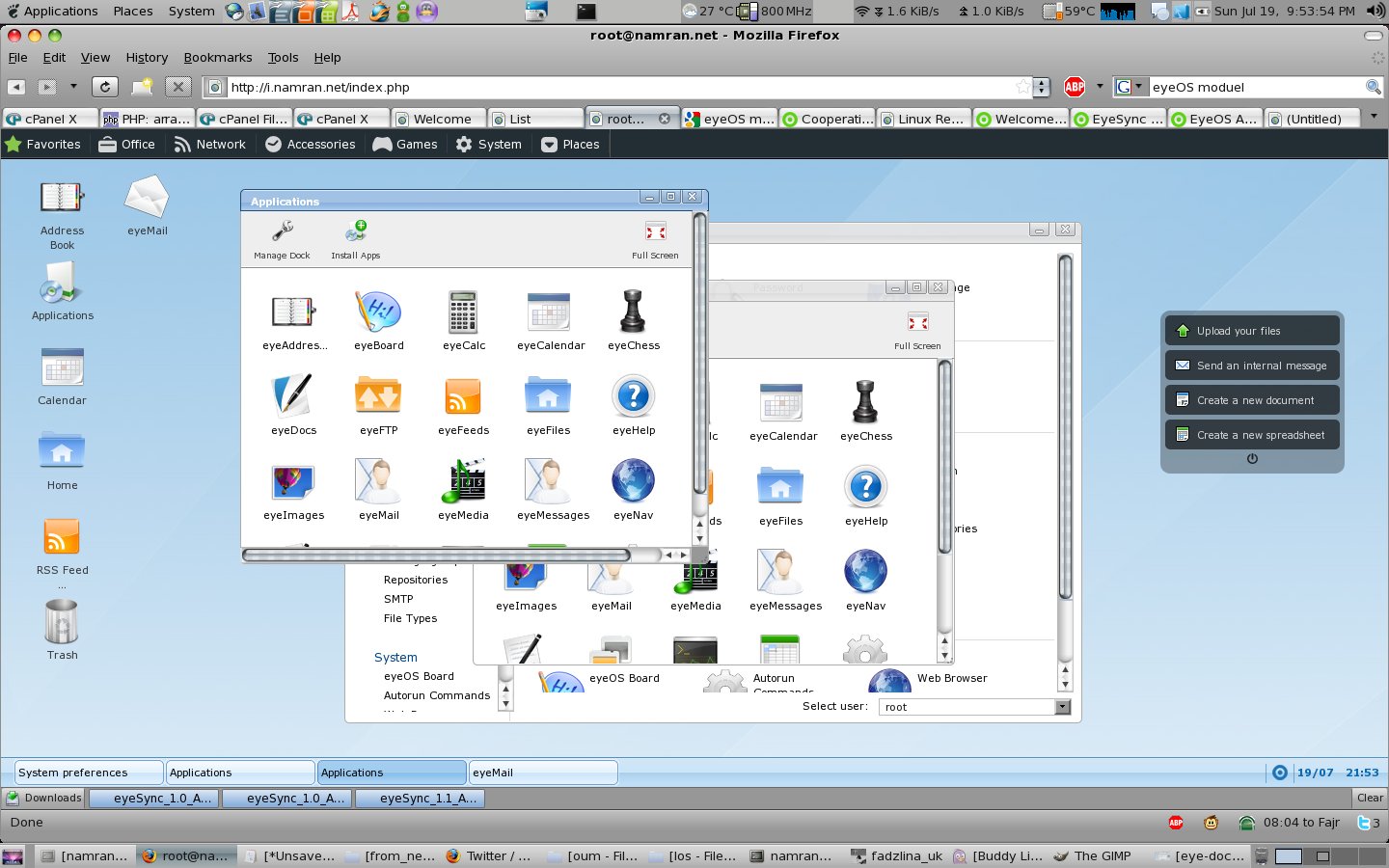
.. Document writer.. interestingly can open both from windows(.doc) and also from OpenOffice (.odt)
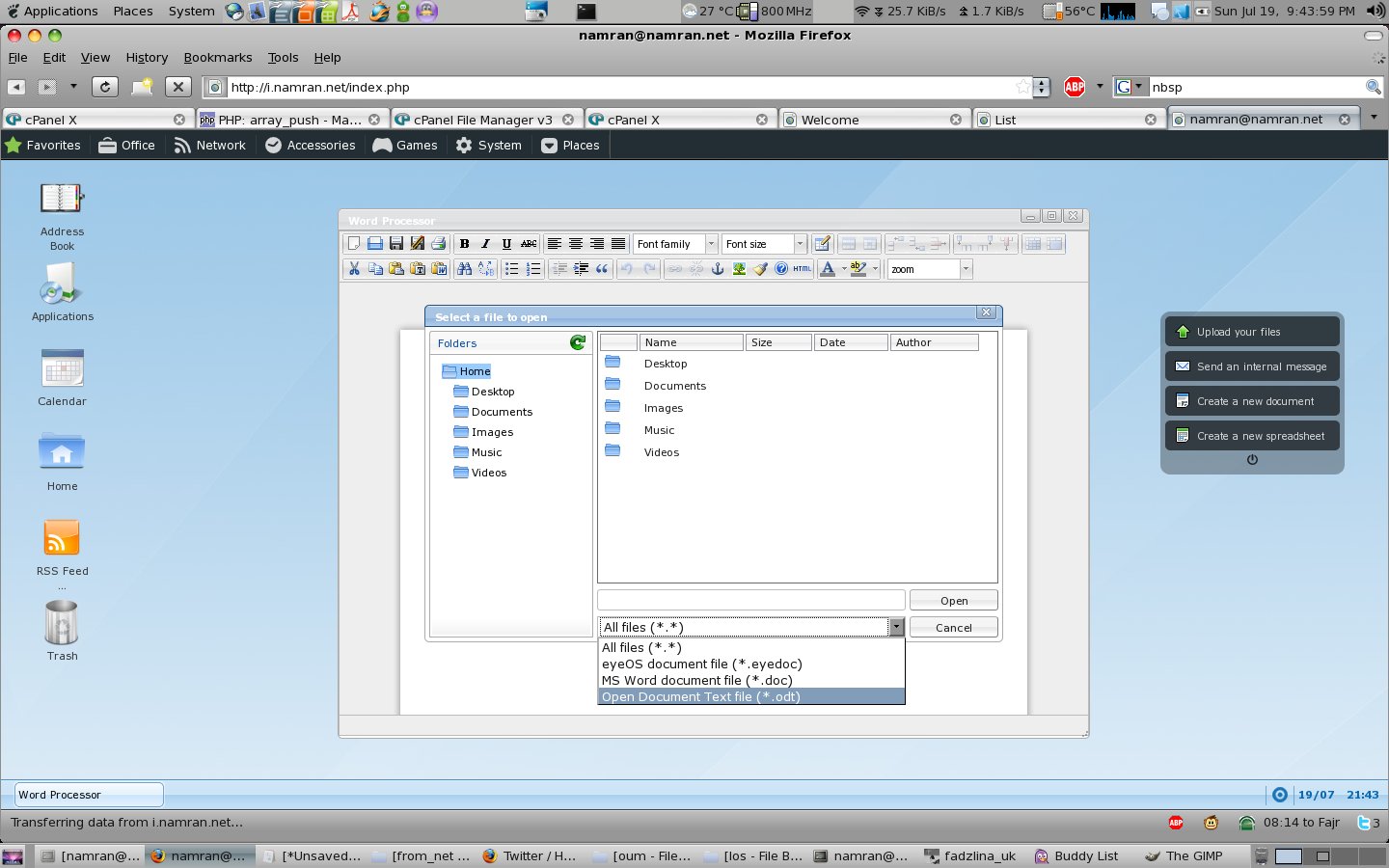
.. System Preferences for user.
.. for super user.. (root). can see something like this.
.. after done playing.. logout..
[ad#postad]
anyway .. the registration for new user is still open.. can register yourself and get in here ..
have a feel by playing with and put your comment below..
… user can change also change themes, send msg, add email account client..bla..bla.
Finally,the installation process of EyeOS quite straight forward..
- extract the file..
- change permission for some 3 files / component.. namely the folder installer, index.php, eyeOS package file
- run the installation script from the web browser..
that’s it.
.. it reset back the permission to suit operational of eyeOS accordingly after install..
.. the files uploaded by user to the eyeOS is stored in some folder under eyeOS ..
“with some random number and alphanumeric” appended to the filename and folder name..
such as cookies
.. no need mySQL table or whatsoever..
.. i don’t think security was the best.. however it got some session based on IP address locking thing .that can be enabled by administrator.
Except it couldn’t do a ‘character-by-character’ on-the-fly update during conversation between user (like Google Wave),
the rest of it.. i think is okay provided the very small footprint of this OS .. hehehe
p/s : I don’t really know if this would really mean a cloud computing..
enlighten me please..
ing
Hello! I simply wish to give a huge thumbs up for the great
data you will have right here on this post. I will be coming again to your weblog for more soon.
Hello! I simply wish to give a huge thumbs up for the great
data you will have right here on this post. I will be coming again to your weblog for more soon.