
Maxis USB 3G broadband that come with USB 3G Modem (Huawei E220).. is can be used in Ubuntu (8.10) , XUbuntu(8.10)..
virtually without any additional software to be installed.
here I will explain how to configure the Network Setting in Ubuntu to have it connected with
“Maxis Broadband”..
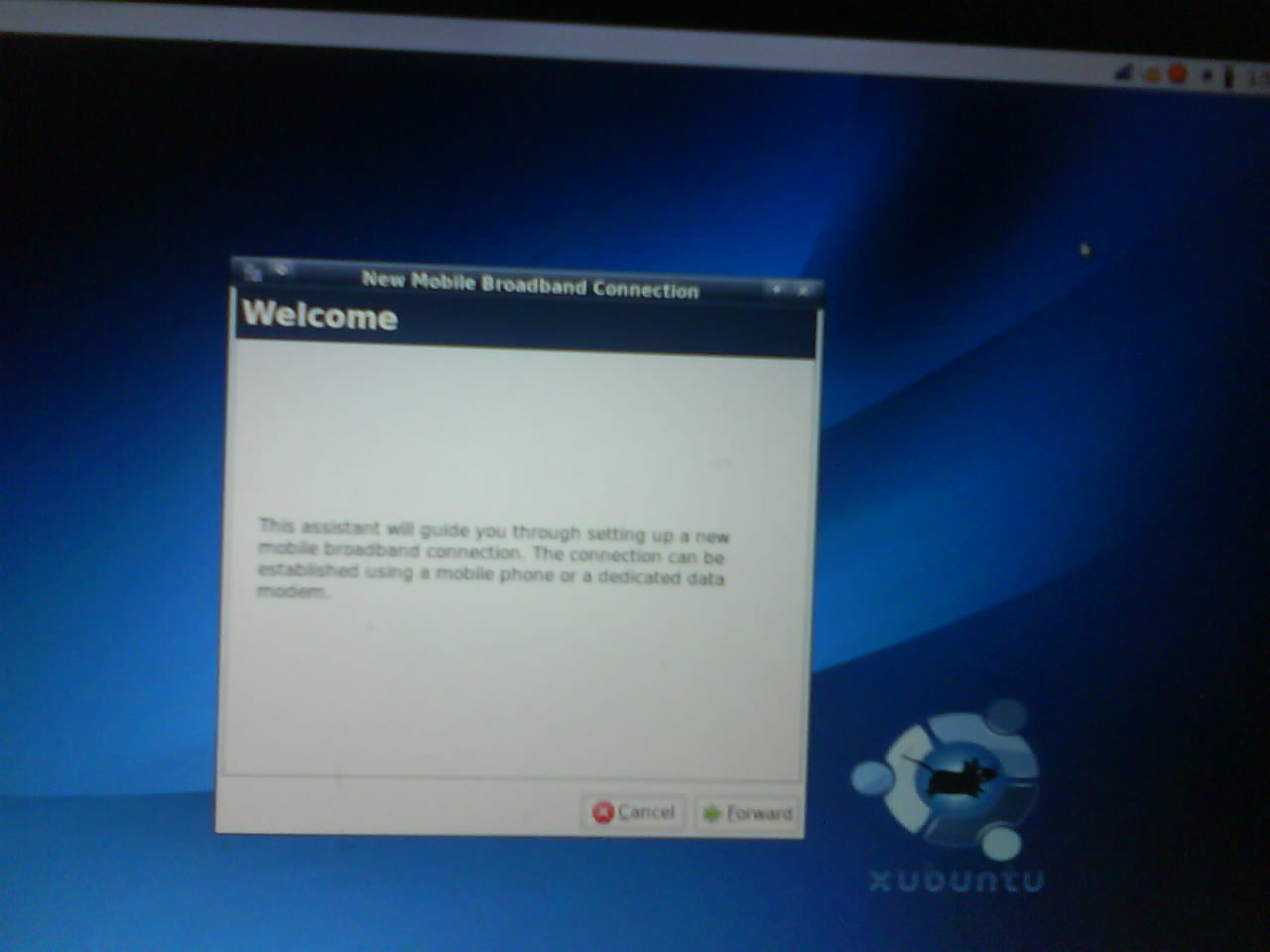
select service provider countries..
scroll down until found “my | malaysia”
[ad#postad]
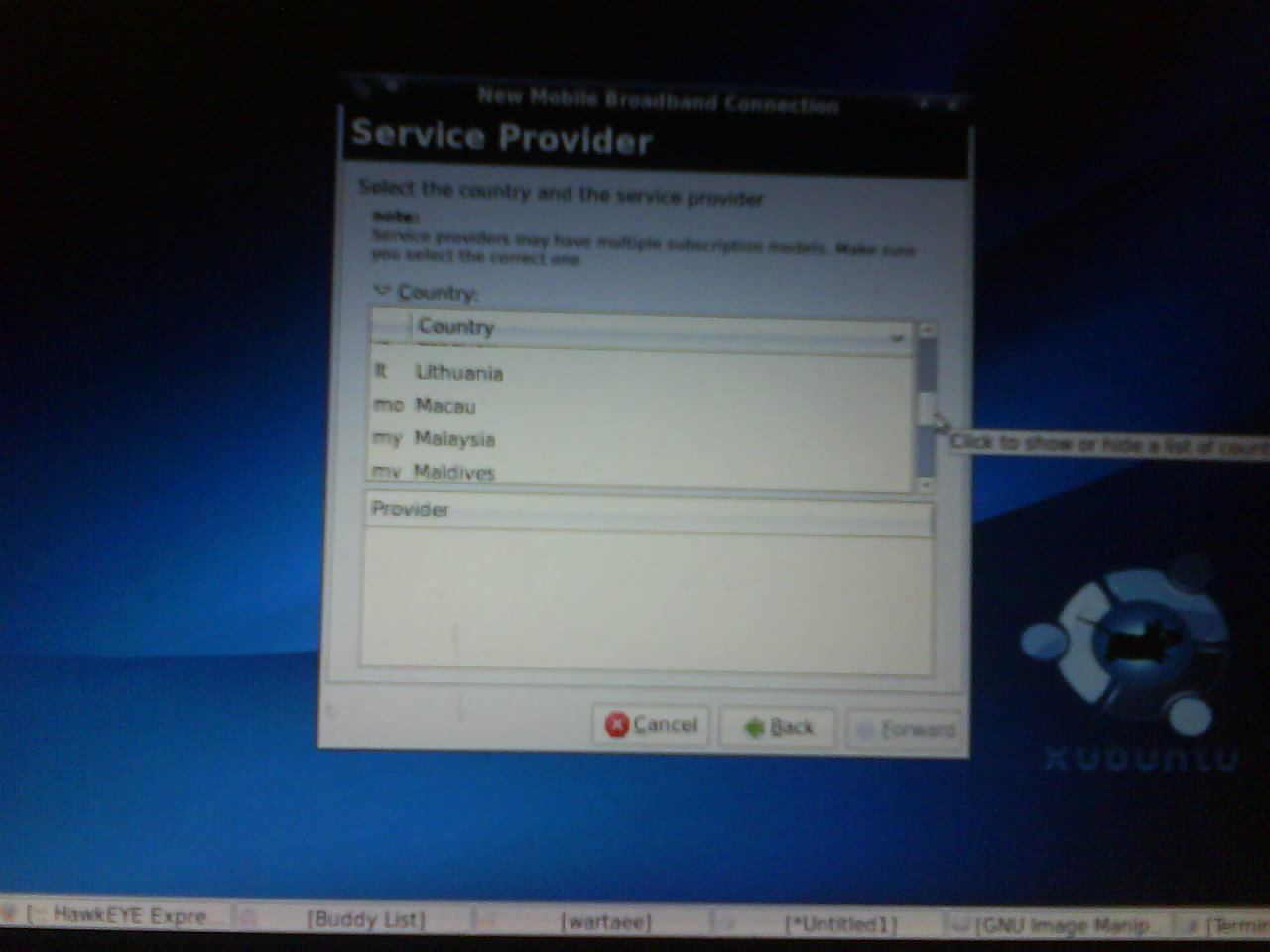
after selecting malaysia.. a list of ISP will appear such as below:
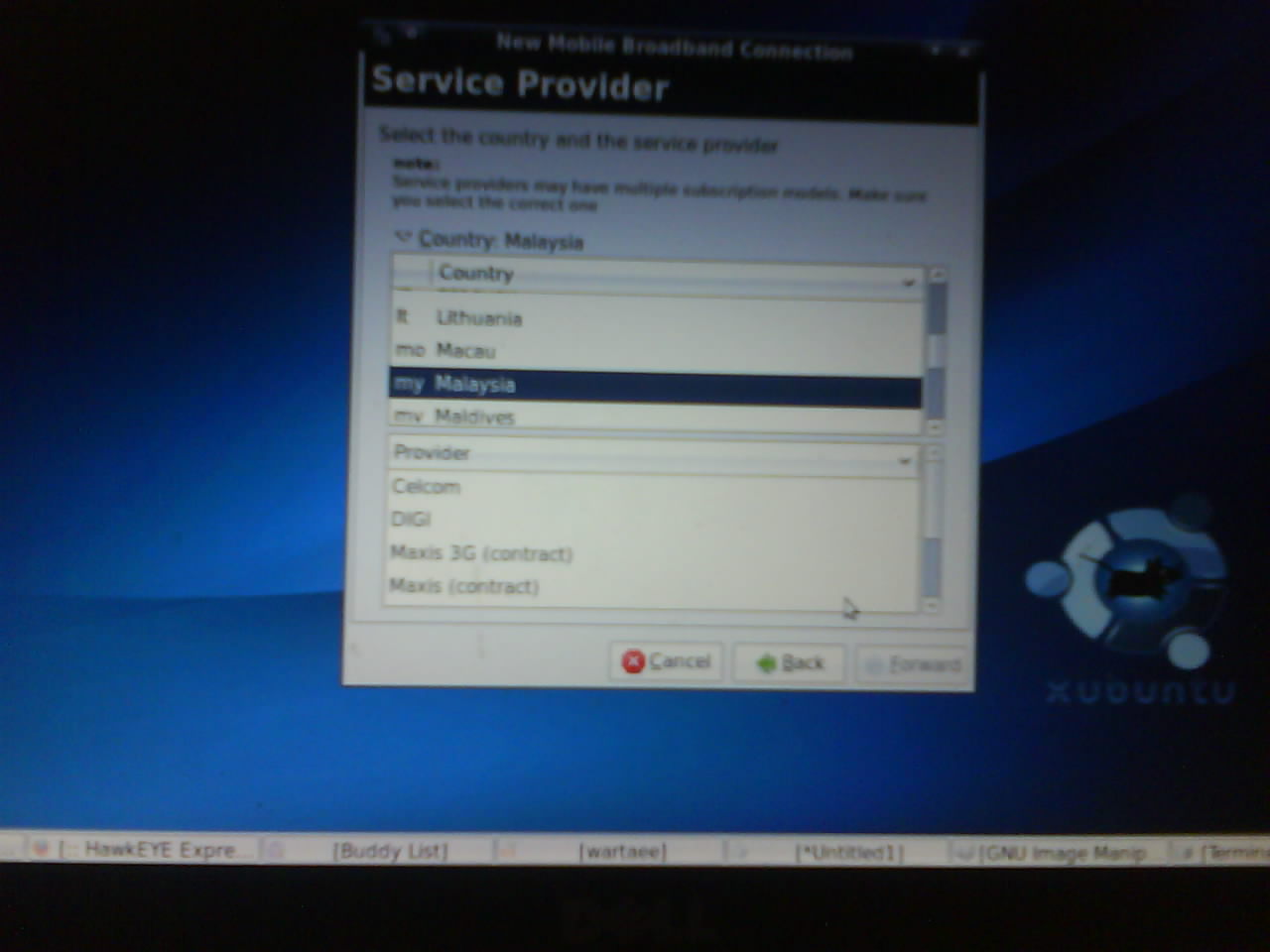
select a Maxis 3G (contract). .. [later could be just as “Maxis 3G (broadband)”.. if someone willing to update and poke the one who did it earlier.]
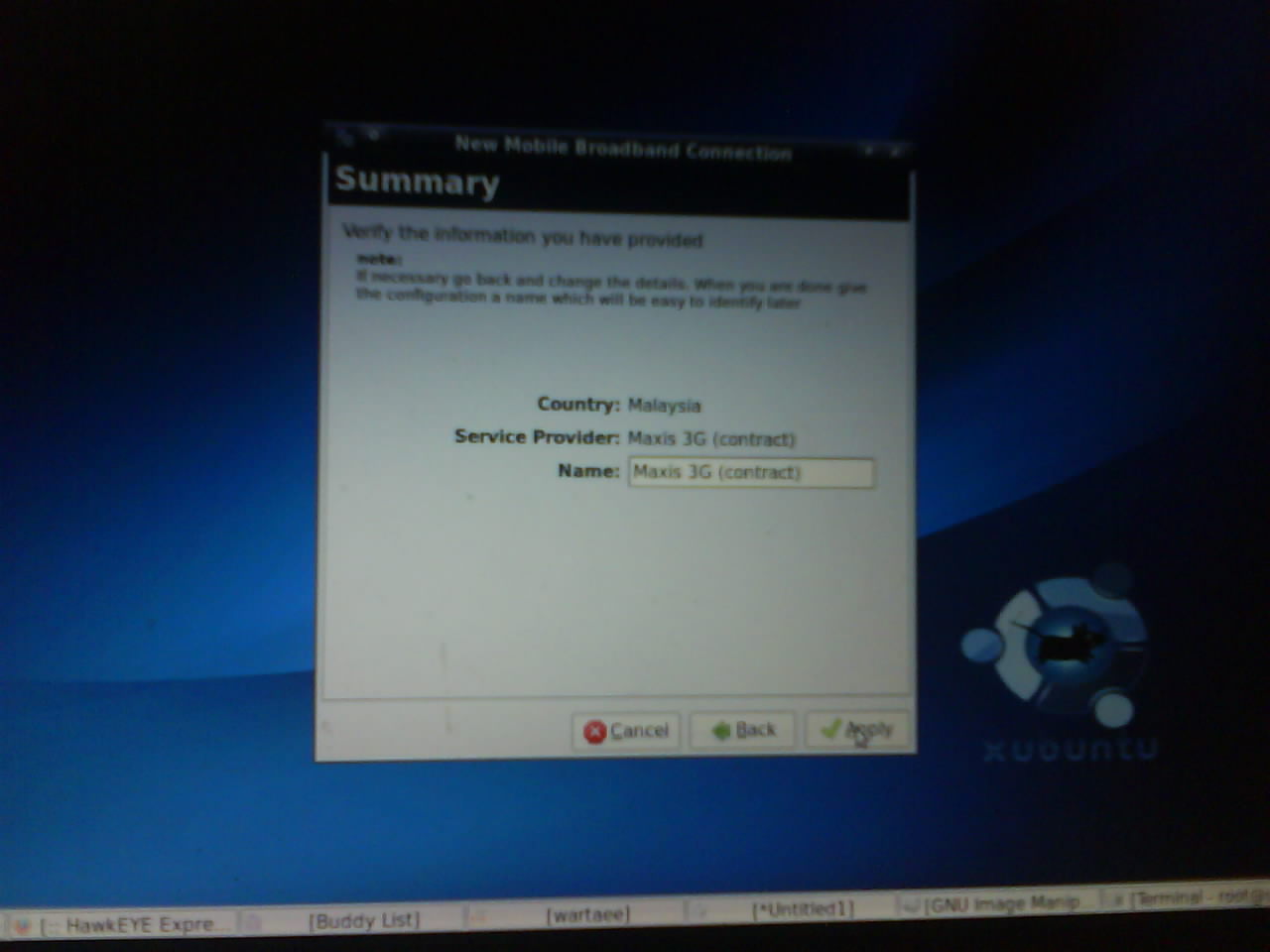
and icon will saying new connection created..
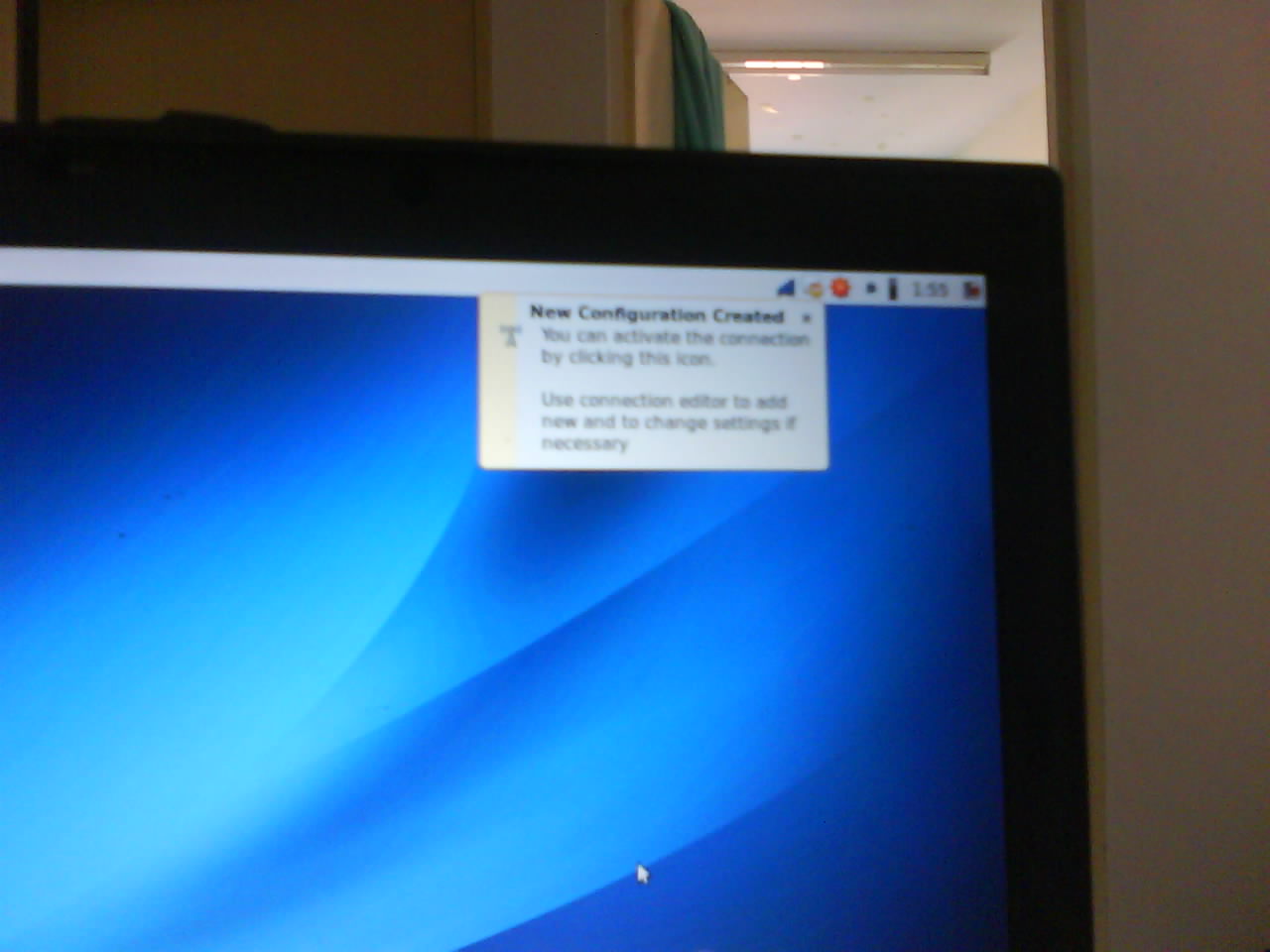
almost done.. perhaps.. the only thing to change is the maxis APN to become “maxisbb”..
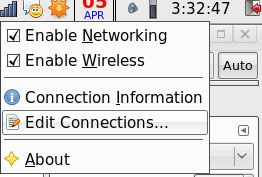
then we continue by clicking on the network icon ..select edit-connection..
then a Network Connection properties will appear..
click on top tab to “Mobile Broadband”..
shall be able to see the maxis 3g contract .
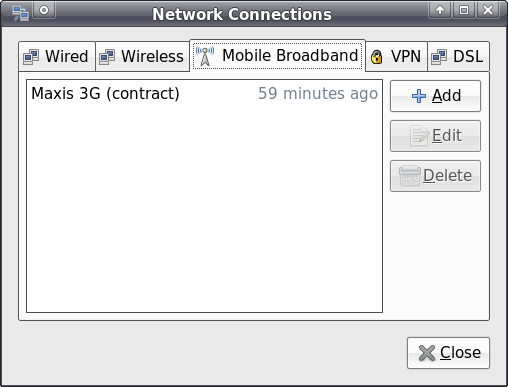
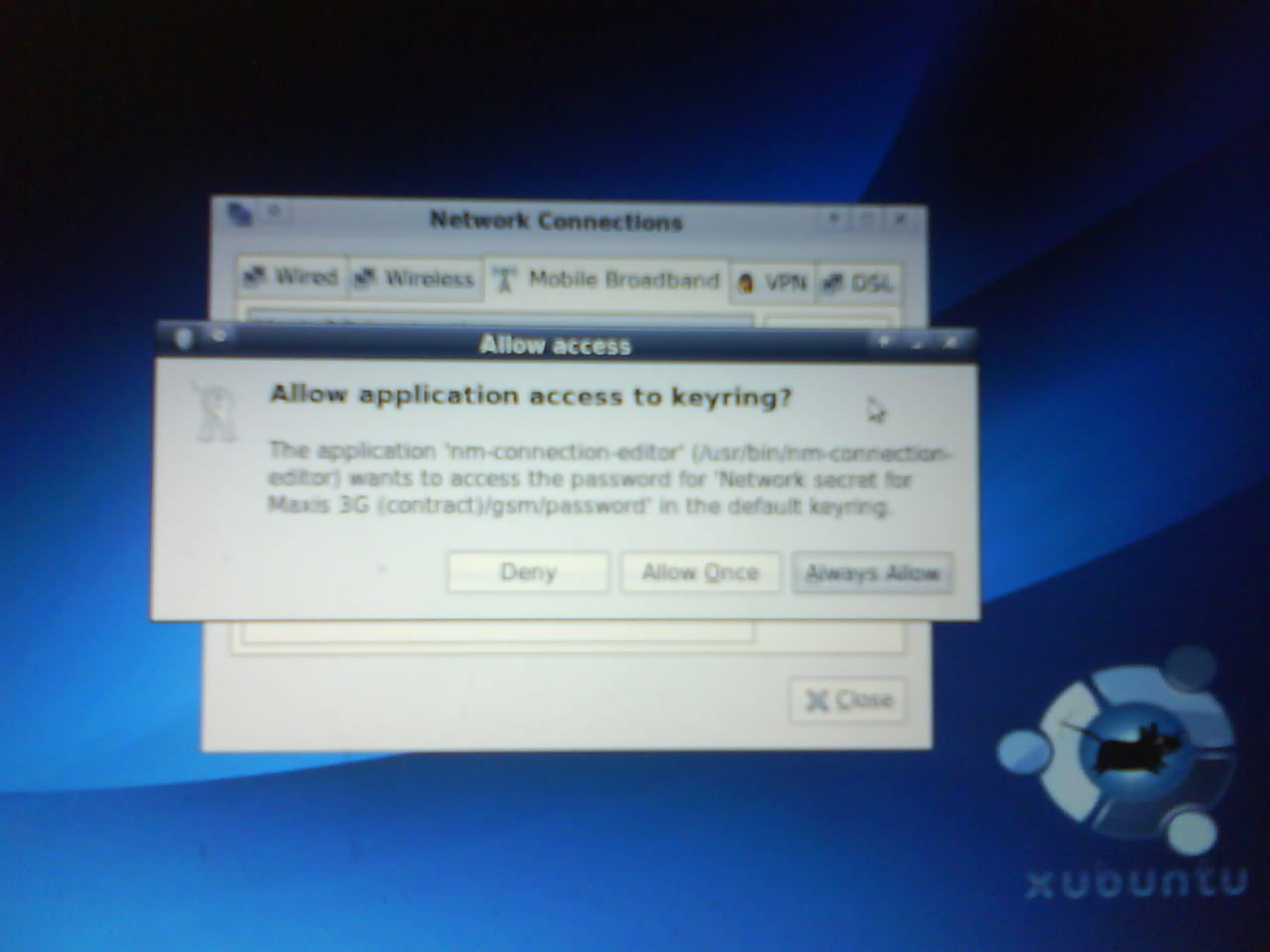
press edit… and answer allow the keyring thing..
change the APN from “unet” to “maxisbb” ..
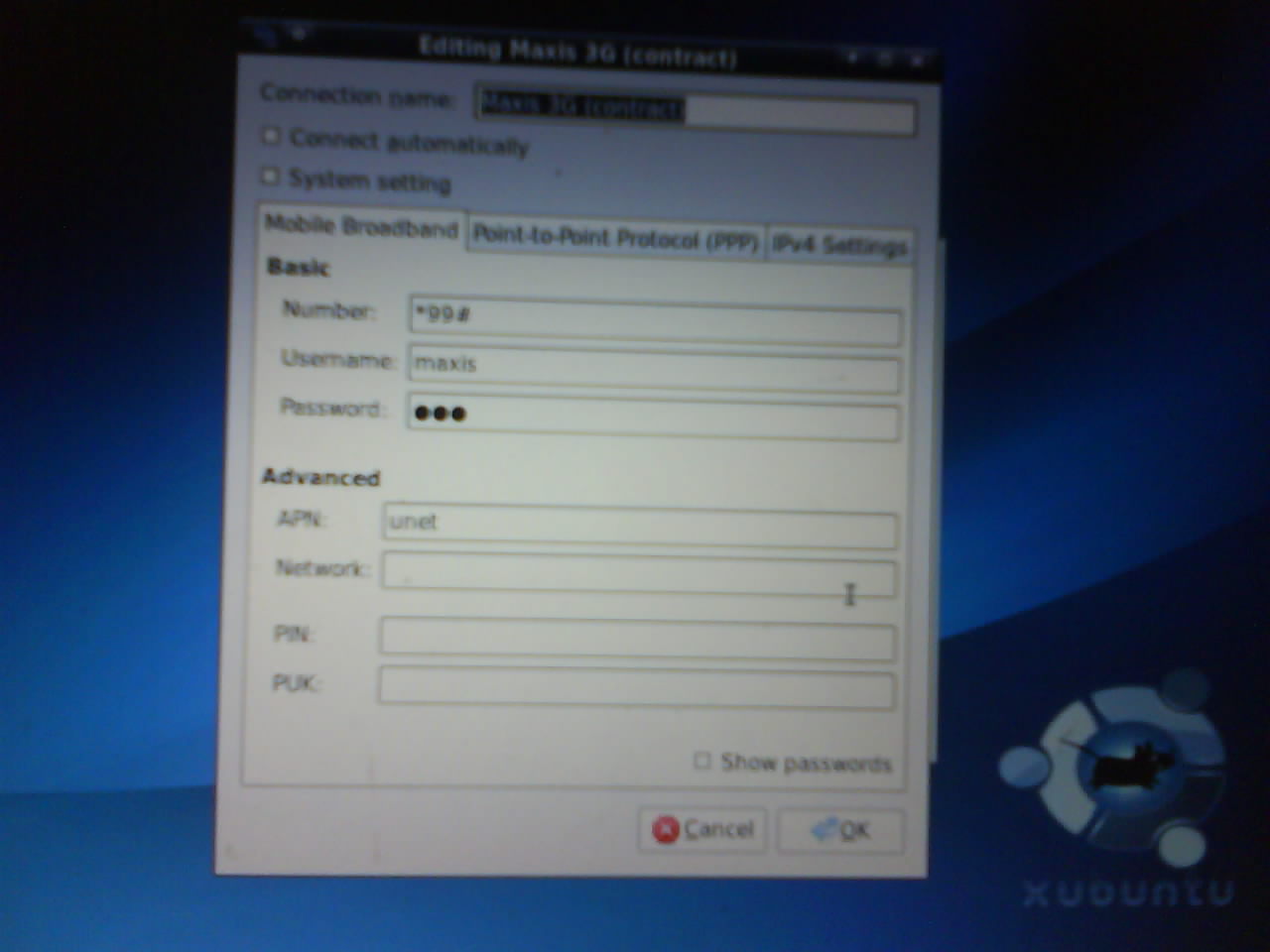
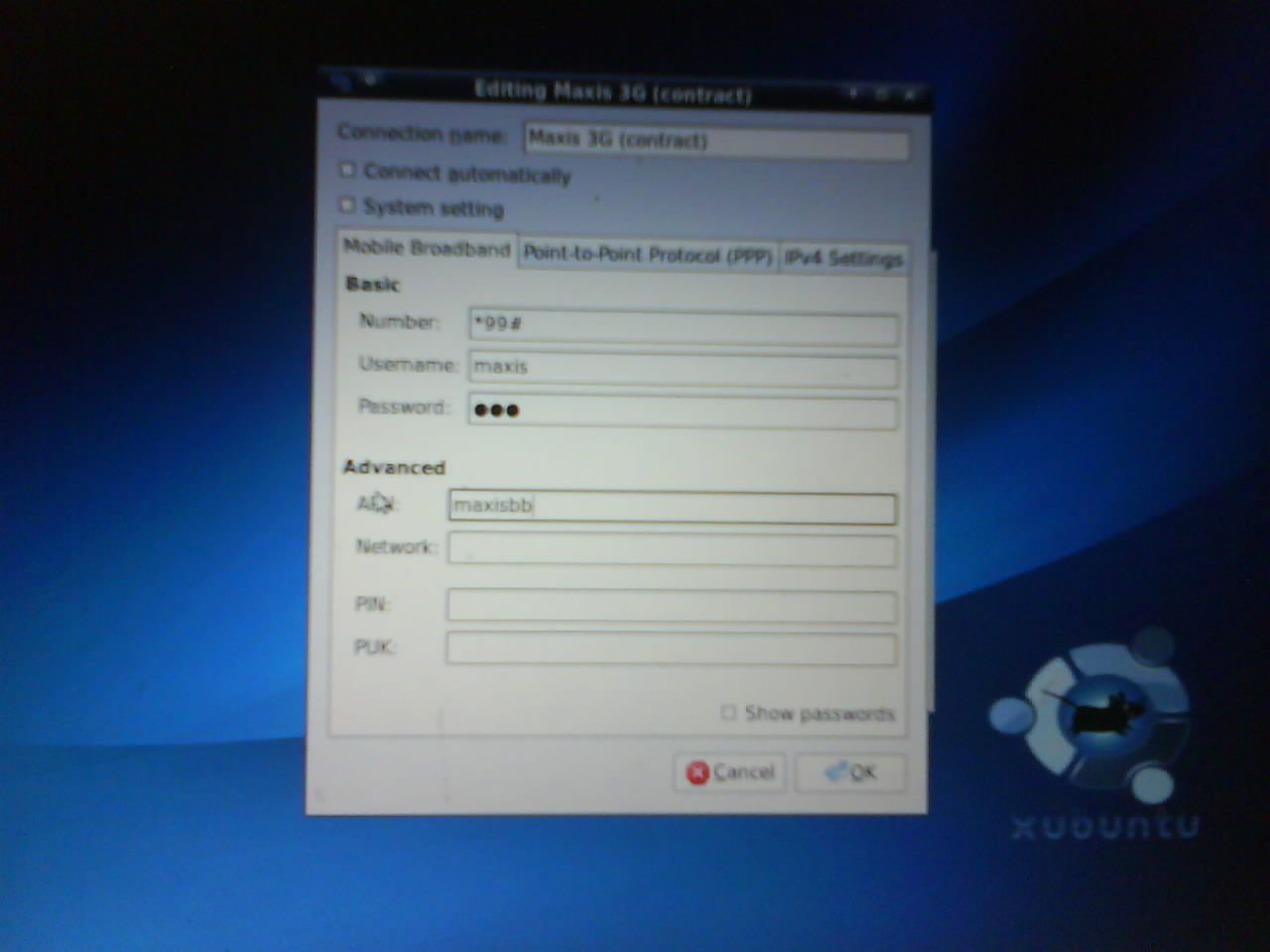
the previous one is “unet”.. which only applied to the postpaid 3G.
then clicking on network select to connect the Maxis 3G (Contract)..
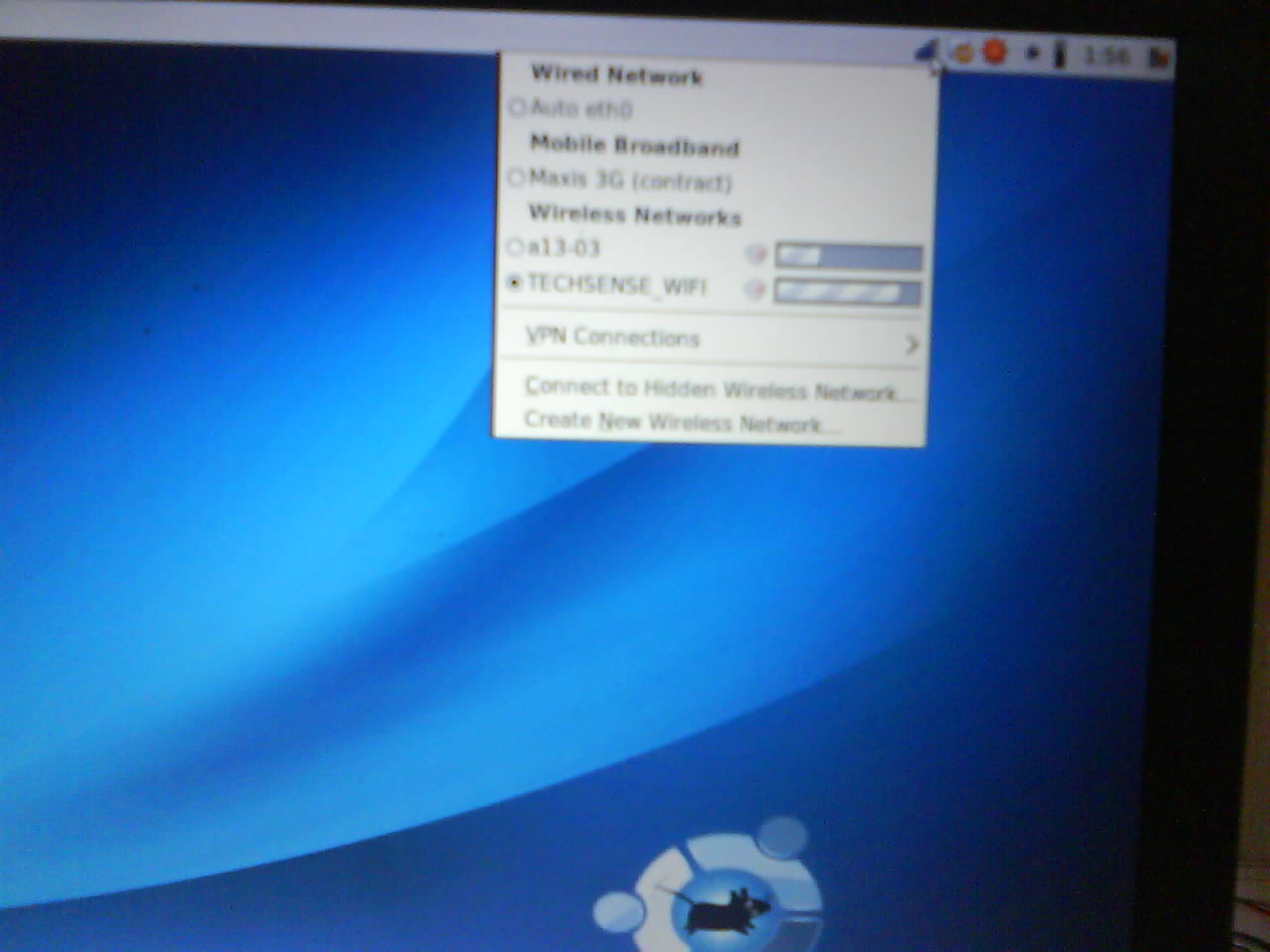
it will changed the icon to spinning..
then..


This APN thing only sensitive to Maxis and Digi.. but any value is acceptable for Celcom..
~ for celcom can actually put in anything in APN box..and it just worked..
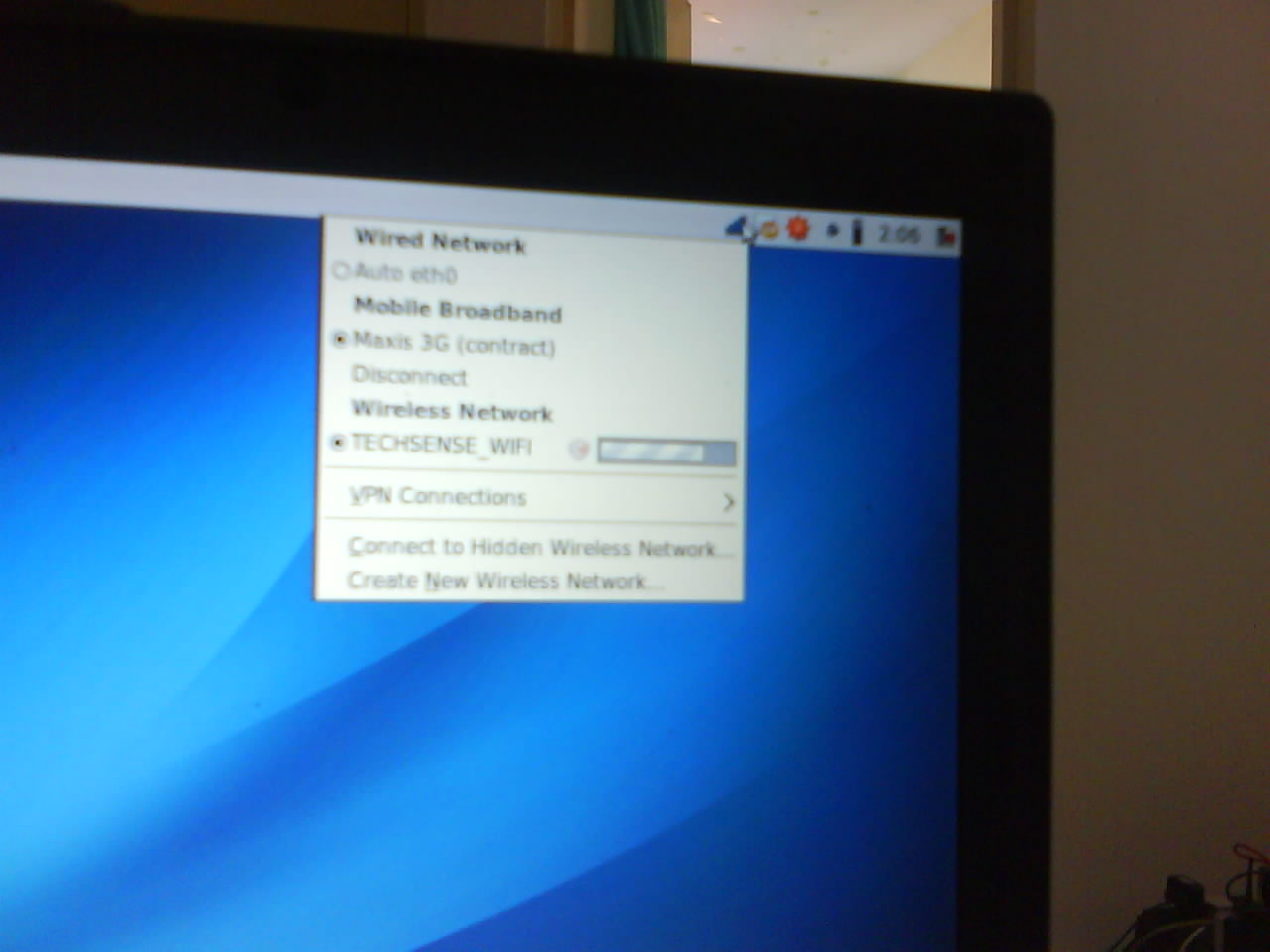
to disconnect… click the same icon and there will be a list again..and click disconnect.
HawkEye,
I have followed your directions, but I get an error at the end start of the build: “ValueError: Could not find an installable distribution at ‘/data/iso/WinXP_SP2_EN.iso'”
I have tried various ways to create a WinXP iso, your directions were the last I used. All other attempts also failed…Not sure what to try next. When I check the file, it seems to be OK…
file /data/iso/WinXP_SP2_EN.iso
/data/iso/WinXP_SP2_EN.iso: ISO 9660 CD-ROM filesystem data ‘VRMPOEM_EN ‘ (bootable)
Any Ideas?
Perhaps would verify the WinXP CD is actually not corrupted.. and if the CD-Drive is working fine..
then .. check if the iso files actually accessible by the xen lib..
else should check the xen lib is properly installed and also verify the current running kernel is xen enabled..
then might be a reinstall the virtualization group would be the next thing to try ..
btw: what host are u using ? .. my experience was based on CentOS 5.2 host.. so far it went smooth as above..
I have built the iso several times, once from Windows CD burner app and twice with “dd” command like you showed…no reported issues…only assuming it is OK.
How would I verify it is accessible by “xen lib”?
How would I check to see if xen lib is properly installed?
I am installing on IBM x345 dual Xeon 2.4GHz cpu with 4GB ram (single cores). I did the install of “Virtualization” group per some earlier notes I saw on the subject…I cannot do the “Fully Virtualized” install because the hardware I have doesn’t support it…so I did the Paravirtualized option.
Any suggestions I could try tonight would be greatly appreciated.
check the xen kernel by running this at terminal
uname -a
shall be ended with -xen at the end..
mine is something like this..
[root@fedora ~]# uname -a

Linux fedora.namran.net 2.6.18-92.1.22.el5xen #1 SMP Tue Dec 16 13:08:49 EST 2008 i686 i686 i386 GNU/Linux
and the file
[root@fedora ~]# ll /data/iso/XP3_3282_V2_EN.iso

-rwxr-xr-x 1 root root 670576640 Feb 21 00:07 /data/iso/XP3_3282_V2_EN.iso
mine also a para-virtualization as unable to become utilize full-virtualization
[root@fedora ~]# cat /proc/cpuinfo

processor       : 0

vendor_id       : GenuineIntel

cpu family      : 15

model           : 2

model name      : Intel(R) Pentium(R) 4 CPU 3.00GHz

stepping        : 9

cpu MHz         : 2992.718

cache size      : 512 KB

fdiv_bug        : no

hlt_bug         : no

f00f_bug        : no

coma_bug        : no

fpu             : yes

fpu_exception   : yes

cpuid level     : 2

wp              : yes

flags           : fpu tsc msr pae mce cx8 apic mtrr mca cmov pat pse36 clflush dts acpi mmx fxsr sse sse2 ss ht tm pbe up cid xtpr

bogomips        : 7487.18
if all fail, shall consider to seek help from bugs.centos.org or forum http://www.centos.org/modules/newbb/viewforum.php?forum=37
# uname -ra
Linux homer 2.6.18-92.1.22.el5xen #1 SMP Tue Dec 16 13:08:49 EST 2008 i686 i686 i386 GNU/Linux
# ls -l /data/iso/WinXP_SP2_EN.iso
-rw-r–r– 1 root root 607559680 Mar 22 11:30 /data/iso/WinXP_SP2_EN.iso
# cat /proc/cpuinfo
processor : 0
vendor_id : GenuineIntel
cpu family : 15
model : 2
model name : Intel(R) XEON(TM) CPU 2.40GHz
stepping : 4
cpu MHz : 2672.992
cache size : 512 KB
fdiv_bug : no
hlt_bug : no
f00f_bug : no
coma_bug : no
fpu : yes
fpu_exception : yes
cpuid level : 2
wp : yes
flags : fpu tsc msr pae mce cx8 apic mtrr mca cmov pat pse36 clflush dts acpi mmx fxsr sse sse2 ss ht tm
bogomips : 6689.88
processor : 1
vendor_id : GenuineIntel
cpu family : 15
model : 2
model name : Intel(R) XEON(TM) CPU 2.40GHz
stepping : 4
cpu MHz : 2672.992
cache size : 512 KB
fdiv_bug : no
hlt_bug : no
f00f_bug : no
coma_bug : no
fpu : yes
fpu_exception : yes
cpuid level : 2
wp : yes
flags : fpu tsc msr pae mce cx8 apic mtrr mca cmov pat pse36 clflush dts acpi mmx fxsr sse sse2 ss ht tm up
bogomips : 6689.88
processor : 2
vendor_id : GenuineIntel
cpu family : 15
model : 2
model name : Intel(R) XEON(TM) CPU 2.40GHz
stepping : 4
cpu MHz : 2672.992
cache size : 512 KB
fdiv_bug : no
hlt_bug : no
f00f_bug : no
coma_bug : no
fpu : yes
fpu_exception : yes
cpuid level : 2
wp : yes
flags : fpu tsc msr pae mce cx8 apic mtrr mca cmov pat pse36 clflush dts acpi mmx fxsr sse sse2 ss ht tm up
bogomips : 6689.88
processor : 3
vendor_id : GenuineIntel
cpu family : 15
model : 2
model name : Intel(R) XEON(TM) CPU 2.40GHz
stepping : 4
cpu MHz : 2672.992
cache size : 512 KB
fdiv_bug : no
hlt_bug : no
f00f_bug : no
coma_bug : no
fpu : yes
fpu_exception : yes
cpuid level : 2
wp : yes
flags : fpu tsc msr pae mce cx8 apic mtrr mca cmov pat pse36 clflush dts acpi mmx fxsr sse sse2 ss ht tm up
bogomips : 6689.88
How do you look for information for your blog content?
Thanks HawkEYE for guiding me how to install windows XP on XEN virtualization in CentOS 5. The way you have enplane it make pretty easy to do it.
Actually no matter if someone doesn’t understand after that its up to other visitors that they will help, so here it happens.